Introducing Image Editing: Take Full Control of Your Generations
You can now edit any generated image instantly. Fix hands, change poses, swap backgrounds, and refine details before turning images into videos.
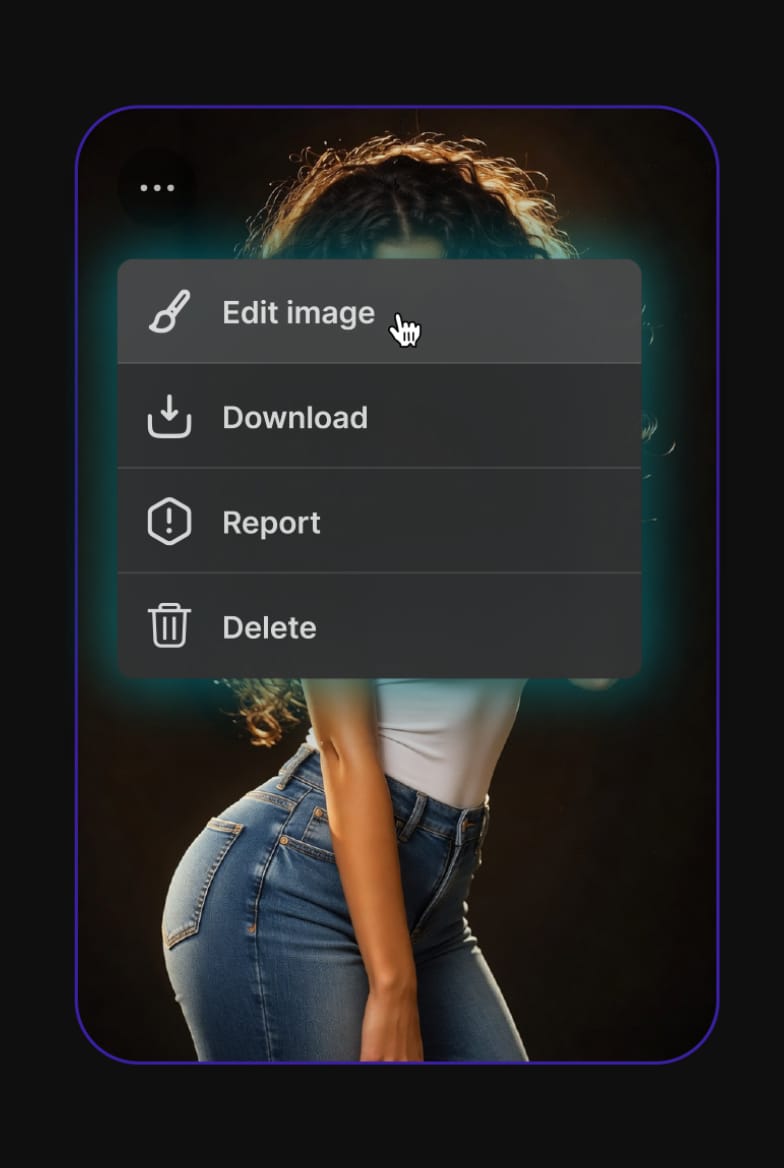
Until today, if an image generation came out almost perfect, your only option was to re-roll and hope for the best. That changes now.
We’re introducing Image Editing, the biggest upgrade we’ve made to image generation so far. You can now edit any generated image instantly: without starting from scratch.
What’s New
The new edit feature lets you:
- Change a pose
- Fix hands or fingers
- Swap backgrounds
- Refine faces and details
You keep everything you liked about the original image while correcting the parts that were off. No more losing a great generation because of one small flaw.
This also means you can now perfect the first frame of any video before you animate it. Since every video starts from a single image, having full control over that frame makes a big difference in the final result.
Why This Matters
Many of you have experienced this: you generate a strong image, hit Animate, and the video comes out disappointing because the base image wasn’t quite right. Small issues get amplified once movement is added.
With Image Editing, you can fix the first frame until it’s exactly what you want. Better first frame = better video.
The New Workflow
Generate → Edit → Animate
Instead of accepting whatever the model gives you, you now have a middle step. Edit until the image feels right, then convert it into video. This single change opens up much more control over both still images and animated results.
What’s Next
The feature is live now. Try editing your recent generations and see how much cleaner your first frames (and videos) can become.
We’re looking forward to seeing what you create with it. Drop your edits in the comments or share them in the Discord — we’d love to see where you take this.