Features Friday: 32-Image Batches for Ultra, Cleaner Galleries
Lovescape Ultra now generates 16 or 32 AI images per prompt. Plus: galleries split by content type, a new locked-post blur and a smoother main page.

TL;DR: Lovescape Ultra subscribers can now generate 16 or 32 images from a single prompt. Galleries are now split by content type, locked posts have a new blur preview, and the main page got a batch of UI/UX fixes. Everything is live now.
Everyone who has generated an AI image knows this loop: write the prompt, wait, get something that's almost right, re-roll, wait again. The perfect shot is in there somewhere. Finding it one image at a time is the slow part.
This week we fixed that loop.
One prompt, 32 shots: batch generation for Ultra
Ultra members can now choose a batch size of 16 or 32 images per generation. You write one prompt, and you get a full grid of variations of your character back in one go.
Why batch size matters in AI image generation
Every AI image starts from random noise, so the same prompt gives different results every time: a different pose, different lighting, a different expression. That randomness is where the great shots come from, and it's also why single-image generation feels like pulling a lever. A bigger batch doesn't change the odds for each image. It gives you many more of them at once, so you compare side by side and pick instead of hoping.
What you can do with 32 images at once
- Find her best angle fast. Run one prompt and scan 32 poses, framings and expressions in a single grid.
- Nail consistency. Pick the variations that look most like her and build from those.
- Build a set, not a single. Put together a full themed shoot (one outfit, one location, many moments) from one generation.
- Test prompts properly. Change one detail, run a batch, and see how it actually shifts the results across dozens of samples, not just one.
How to use it
- Open image generation for your character.
- Choose 16 or 32 in the batch size selector.
- Write your prompt and generate.
- Keep the ones you love. They land in your gallery, which is now much easier to browse.
Batch sizes of 16 and 32 are only available on the Ultra subscription. [confirm: chip cost per batch, and whether it's shown before generating]
Cleaner galleries: your content, split by type
Batch generation makes a lot of images. So we rebuilt how they're organized.
Your gallery content is now split by content type instead of piled into one long feed. Photos and videos each have their own place. When your library grows by 32 images at a time, that stops being a nice-to-have.
A new blur for locked posts
Locked posts now use a new blur treatment. The preview hints at what's behind the lock (shape, color, mood) and keeps the rest hidden until you unlock it. It's a cleaner, better-looking tease than what we had before.
Main page polish
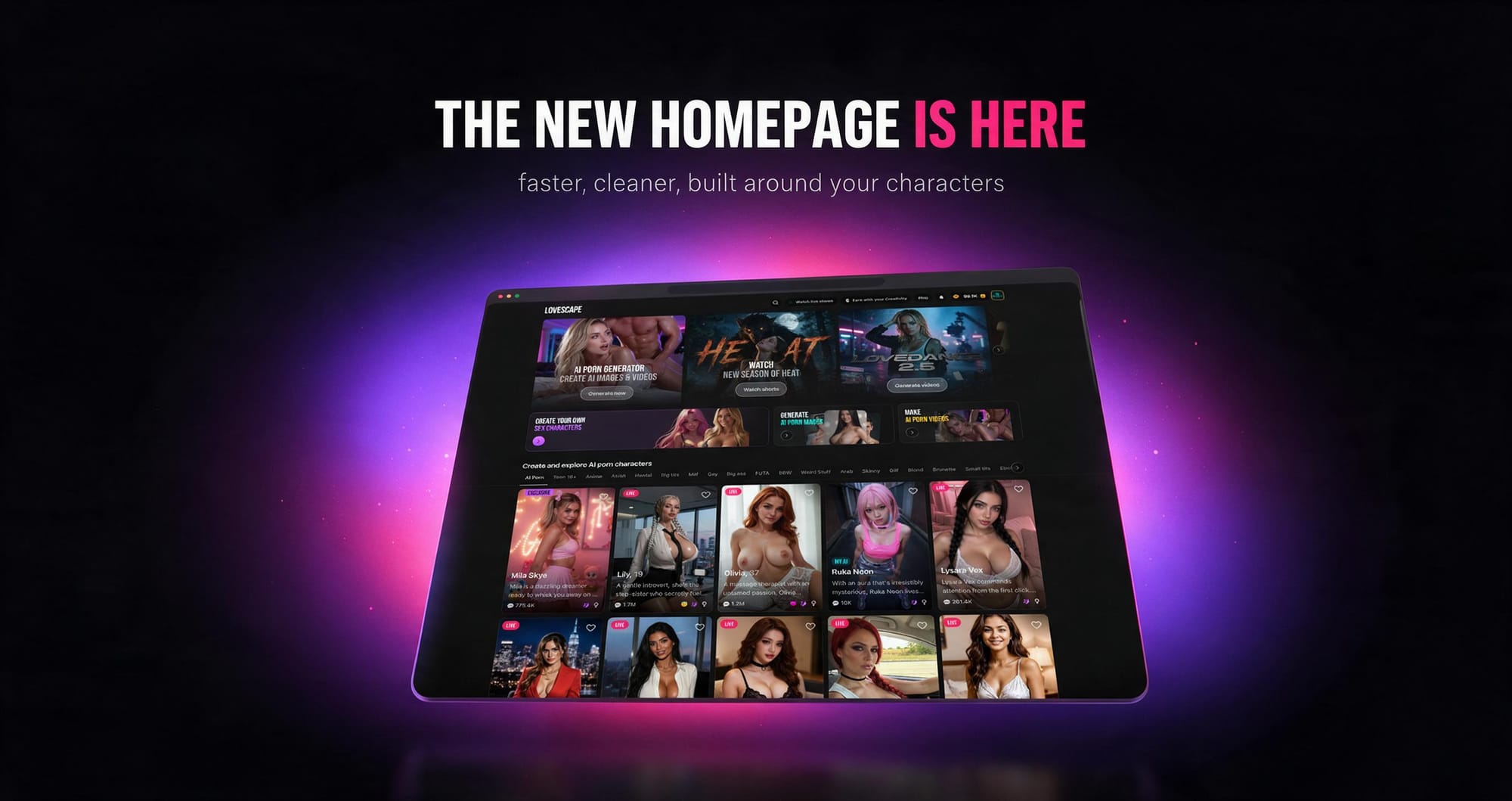
We also shipped a batch of UI/UX fixes to the main page, all from a full design review. Spacing, layout and interaction details were tightened across the page. There's nothing new to learn: it just gets you to your characters faster and feels better along the way.
Polish and fixes
- Batch sizes of 16 and 32 added to image generation for Ultra
- Gallery content split by type for faster browsing
- New blur preview on locked posts
- Main page UI/UX fixes from design review
Frequently asked questions
How many images can I generate at once on Lovescape?
Ultra subscribers can generate up to 32 images from a single prompt, with 16 as the other large batch option.
Which plan includes 16 and 32 image batches?
The Ultra subscription.
Does generating 32 images give better results than generating one?
Each image is generated independently, so the quality of each one is the same. What you get is more variations to choose from at once, which makes it much faster to find the pose, lighting and expression you want.
Where do my generated images go?
Into your gallery, which is now split by content type so photos and videos are easier to find.
What does the blur on locked posts mean?
It's a preview of content you haven't unlocked yet. Unlock the post to see it in full.
The bottom line
Less re-rolling, more choosing. Ultra now gives you 32 shots per prompt, your gallery keeps up with it, and the main page is out of your way.
Everything is live now. You can start free.