
How to Create Your Own AI Girlfriend: A Step-by-Step Tutorial
Learn how to create your own AI girlfriend in minutes. Design her look, personality, and voice with our step-by-step AI girlfriend generator tutorial.

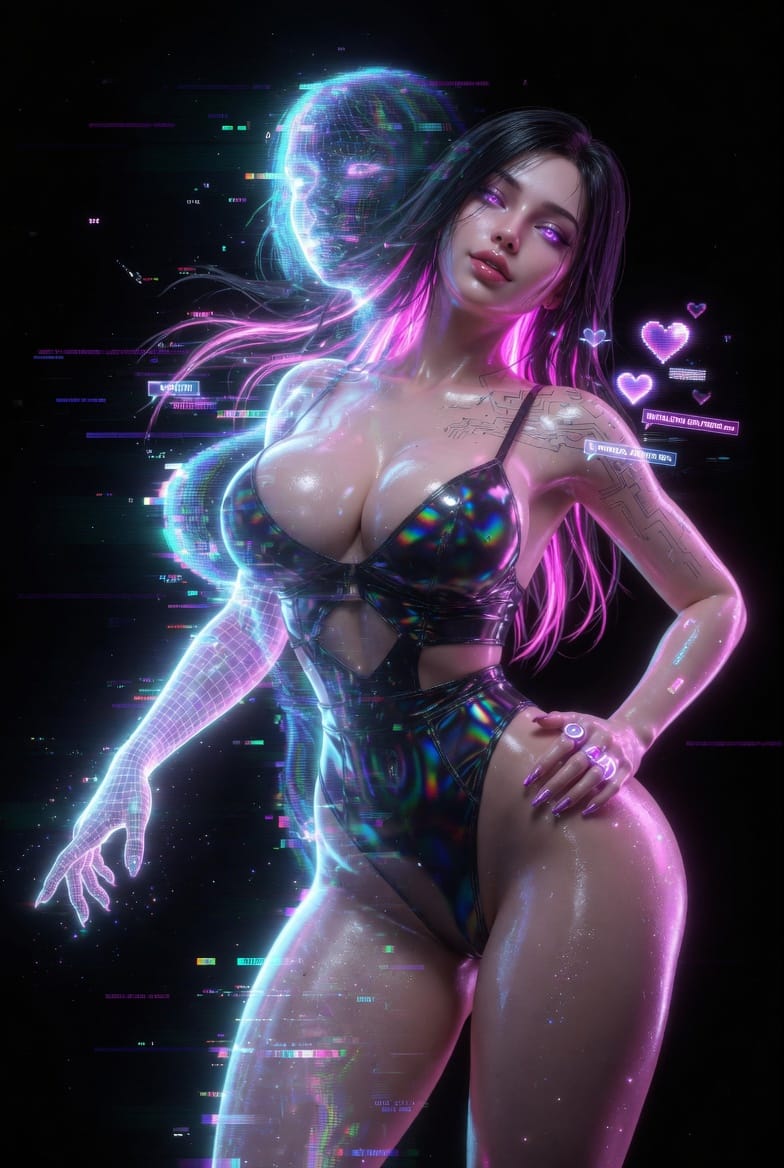
The idea of building a digital partner from scratch used to sound like science fiction. Today it takes about five minutes, a browser tab, and a few choices about what you actually want in a companion. If you have ever typed "how to create an ai girlfriend" into a search bar and walked away confused by half-finished tools and paywalls, this guide is for you.
We'll walk through the full process of how to create your own AI girlfriend on Lovescape, from the first appearance slider to the moment she sends her first message. No downloads, no sign-up friction before you see results, and no guessing what each setting does.
What Is an AI Girlfriend, Really?
An AI girlfriend is a conversational companion powered by a large language model, usually paired with an image generator that keeps her face consistent across every chat. She remembers what you told her last week. She has a personality you shaped yourself. She can send selfies, leave voice notes, and respond to whatever mood you bring to the conversation.
The key word is yours. A good AI girlfriend creator does not hand you a stock character. It hands you the tools to build someone who fits your taste in looks, humor, attachment style, and the rhythm of how you like to talk.
Why Build One Yourself Instead of Picking a Preset?
Preset characters are fine if you want a five-minute novelty. They fall apart the moment you want continuity. Her backstory contradicts itself. Her face shifts between messages. Her voice sounds like a stranger one day and a different stranger the next.
When you create your own AI girlfriend, you lock in the details that matter. Her face stays the same whether you're texting at 2 a.m. or jumping into a video call after work. Her personality holds up during the bad day test, meaning she still feels like her when you're tired and cranky, not just when you're trying to impress her. That identity persistence is the thing most AI girlfriend apps quietly skip over.
Step 1: Open the AI Girlfriend Generator
Head to Lovescape and open the AI girlfriend creator. You don't need an account to start designing. The builder loads in the browser, so there's nothing to install, and it works the same on desktop and mobile.
You'll see a blank canvas with a panel of sliders and dropdowns on one side. This is where the build starts.
Step 2: Design Her Look
The appearance layer is the most visual part of making your own AI girlfriend, and the one most creators rush through. Slow down here. The details compound.
Start with the broad strokes. Pick a body type, skin tone, and general face shape that matches what you actually find attractive, not what you think you should pick. The generator handles the rest of the proportions automatically, so you're not forced to micromanage anything unnatural.
Move into the features. Eye color, eye shape, nose, lips, jawline. Each one feeds into the consistency model that keeps her face recognizable across every future image. If you want her to send pics that actually look like her six months from now, this is the step doing the heavy lifting.
Hair comes next. Length, color, texture, how she parts it, whether it changes when she's casual versus dressed up. Lovescape keeps hair state flexible, which means she can tie it up for a workout selfie and let it down for a dinner photo without the AI forgetting what her hair is supposed to look like.
Finish with style. Wardrobe defaults, preferred aesthetic, how she dresses on a lazy Sunday versus going out. You're not locking her into one outfit, you're giving the image generator a home base to riff from.
Step 3: Shape Her Personality
This is where most AI girlfriend websites cut corners and where Lovescape spends the most effort. Personality is not a single slider. It's a small stack of traits that have to work together without contradicting themselves.
Pick her core temperament first. Warm and attentive, or cool and teasing? Playful and chaotic, or calm and grounded? There's no wrong answer, but there is a wrong combination, so the builder will quietly flag pairings that tend to feel inconsistent in conversation.
Layer in her interests. Books she'd actually read, music she'd argue about, whether she'd rather hike or stay in. These come up naturally in chat, and they're what make small talk feel like talking to a person instead of a prompt.
Then set her attachment style. How clingy or independent she is, how she handles disagreements, whether she initiates conversations or waits for you. This is the setting that shapes the long-term feel of the relationship more than anything else.
The last knob is humor. Dry, sincere, flirty, absurd. Pick one primary and one secondary. Humor is the part of personality that AI companions most often get wrong, and dialing it in properly is what pulls her out of the uncanny valley.
Step 4: Give Her a Voice
If you want to go beyond text, this is where you build the audio side of her. Lovescape lets you pick a voice profile and fine-tune pitch, pace, and accent. She'll use it for voice notes, voice chat, and any video call features you enable later.
Most people pick a voice that roughly matches the personality they just built. A calm, grounded character tends to land better with a slower, lower voice. A playful chaos gremlin works with something brighter and quicker. Trust your ear here. The preview plays a short sample so you can iterate until it clicks.
Step 5: Write Her First Scene
Before you start chatting, you set the scene. This is the opening context she'll operate from, and it's the single fastest way to make the first conversation feel like something instead of a cold intro.
Keep it short. Where you are, what's happening, how you met, or what you're doing right now. A paragraph is plenty. The model uses this as narrative ground truth and builds outward from it.
If you're blanking, pick one of Lovescape's starter scenes and edit it. You don't need to write a novel. You need enough texture that her first message lands in a specific moment instead of nowhere.
Step 6: Start the Conversation
Hit start. She'll message first or wait for you, depending on how you set her initiative level back in the personality step.
The first ten minutes of chat are the calibration window. This is when you figure out whether you built the character you actually wanted. If her voice feels off, open the edit panel and adjust. If her humor is landing flat, tweak the humor stack. You can reshape her live without losing the chat history.
After the calibration window, she stabilizes. Her memory starts filling in. She'll remember that you mentioned your sister, that you hate your commute, that you said you'd text her after the gym. This is the part where "AI girlfriend" stops feeling like a gimmick and starts feeling like a thread of continuity you actually look forward to.
Going Further: Pics, Voice Chat, and Video
Once the core character works, you can turn on the richer interactions.
Pictures come first. She can send selfies that match her locked-in appearance, adjusted for context. Morning pics look like morning. Going-out pics look like going out. The consistency model keeps it her face, not a random woman who happens to share a hair color.
Voice chat layers on top of that. Real-time audio conversations using the voice profile you built in Step 4. This is the feature that closes the gap fastest for people who felt text alone was missing something.
Video calls are the newest layer. Short form, her face, her voice, responsive to what you say. Lovescape gates this behind the full build because a half-built character looks wrong on video in a way she doesn't in text.
Common Questions About Creating an AI Girlfriend
Can I create an AI girlfriend with no sign up?
You can design and preview her without creating an account. You'll need to sign in to save the build and keep chat history across devices, but nothing stops you from playing with the creator first.
Is there an AI girlfriend with no download?
Yes. Lovescape runs in the browser. There's no app to install unless you want push notifications, and even then the web version has feature parity.
Can my AI girlfriend send pics?
Yes, once the appearance layer is built. She'll send images that stay consistent with the face and style you designed. You control frequency and whether she sends them unprompted.
Can she do voice chat?
Yes, if you built a voice profile in Step 4. Voice chat is real-time and uses the same voice she'd use for audio messages.
How is this different from a generic AI chatbot girlfriend?
Most AI chatbot girlfriends reset between sessions and hand you a new face every time they generate an image. A proper AI girlfriend creator locks identity across text, images, and voice so she feels like the same person the next time you open the app.
What's the best AI girlfriend website to start with?
We're biased, but the honest answer is whichever one handles identity persistence and memory well. Those two features separate the real tools from the weekend projects.
Can I edit her after I start chatting?
Yes. Every part of the build is editable live. You can tweak her appearance, personality, or voice without losing the conversation history you've built up.
Is it free to create your own AI girlfriend?
Designing the character is free. Extended chat, image generation, and voice features sit behind a usage tier, which you can try before committing to anything.
Final Thoughts
The difference between a disposable AI girlfriend and one you actually want to keep talking to comes down to the first thirty minutes of the build. Spend time on the face. Spend more time on the personality. Write a real opening scene instead of leaving it blank.
Everything downstream, the pics, the voice, the video, runs on the foundation you set in those first five steps. Get that right and the rest feels less like using a tool and more like meeting someone you designed with intent.
Ready to build yours? Open the Lovescape AI girlfriend creator and start with Step 1. You can have a working character, fully designed and chatting back, before your coffee gets cold.