How to Create a Custom AI Character for Adult Images and Videos
How to create a custom AI character and generate adult images and videos on Lovescape: a step-by-step guide from design to animation.

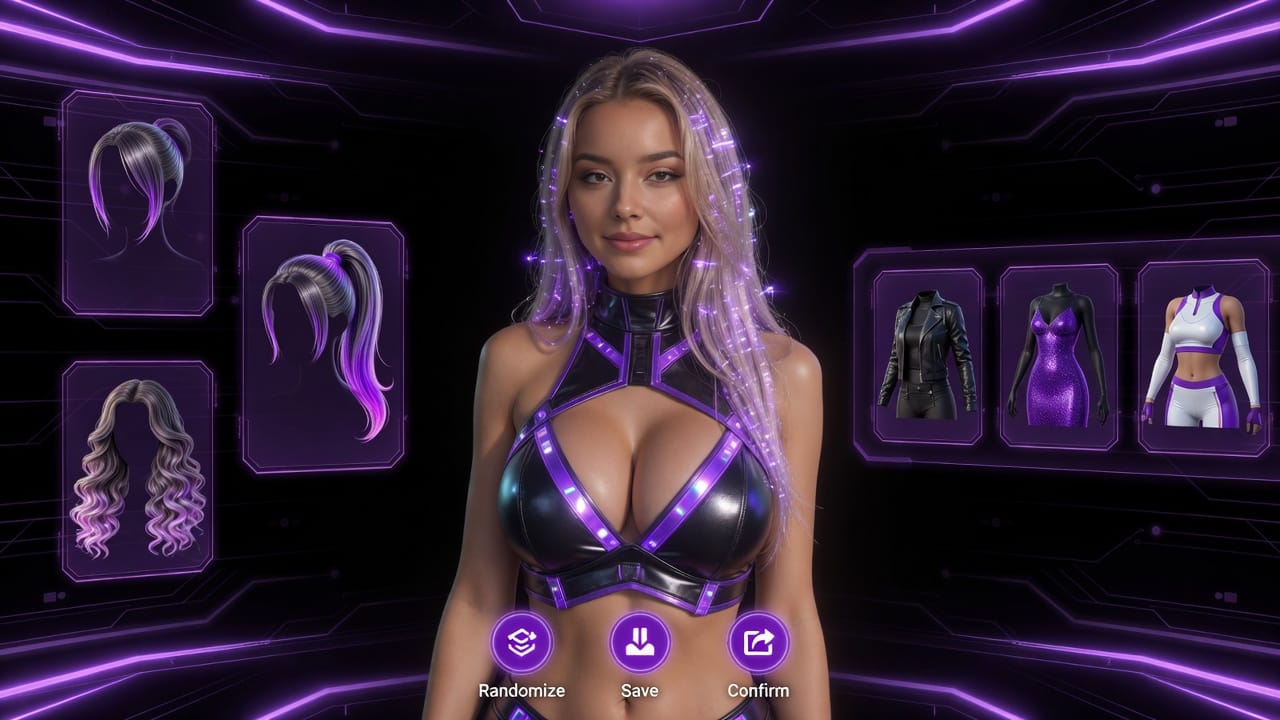
Creating a custom AI character used to mean prompt-engineering skills, patience with inconsistent faces, and a tool that forgot her the moment you closed the tab. On Lovescape the process is a guided flow: design her, talk to her, generate images of her, then animate her with the full action library. This guide walks through every step, plus the settings that make the difference between a random render and a character who looks like herself in every frame.
Before you start: one rule that shapes everything
Lovescape characters are fictional, and only fictional. There are no photo uploads and no way to base a character on a real person — not a celebrity, not an ex, not yourself. This is enforced at every layer of generation, and it's not a limitation to work around; it's the reason everything you create here is safe to create. Your character is someone new, and she's yours.
Step 1: Design your character
Start a new character and build her from the ground up:
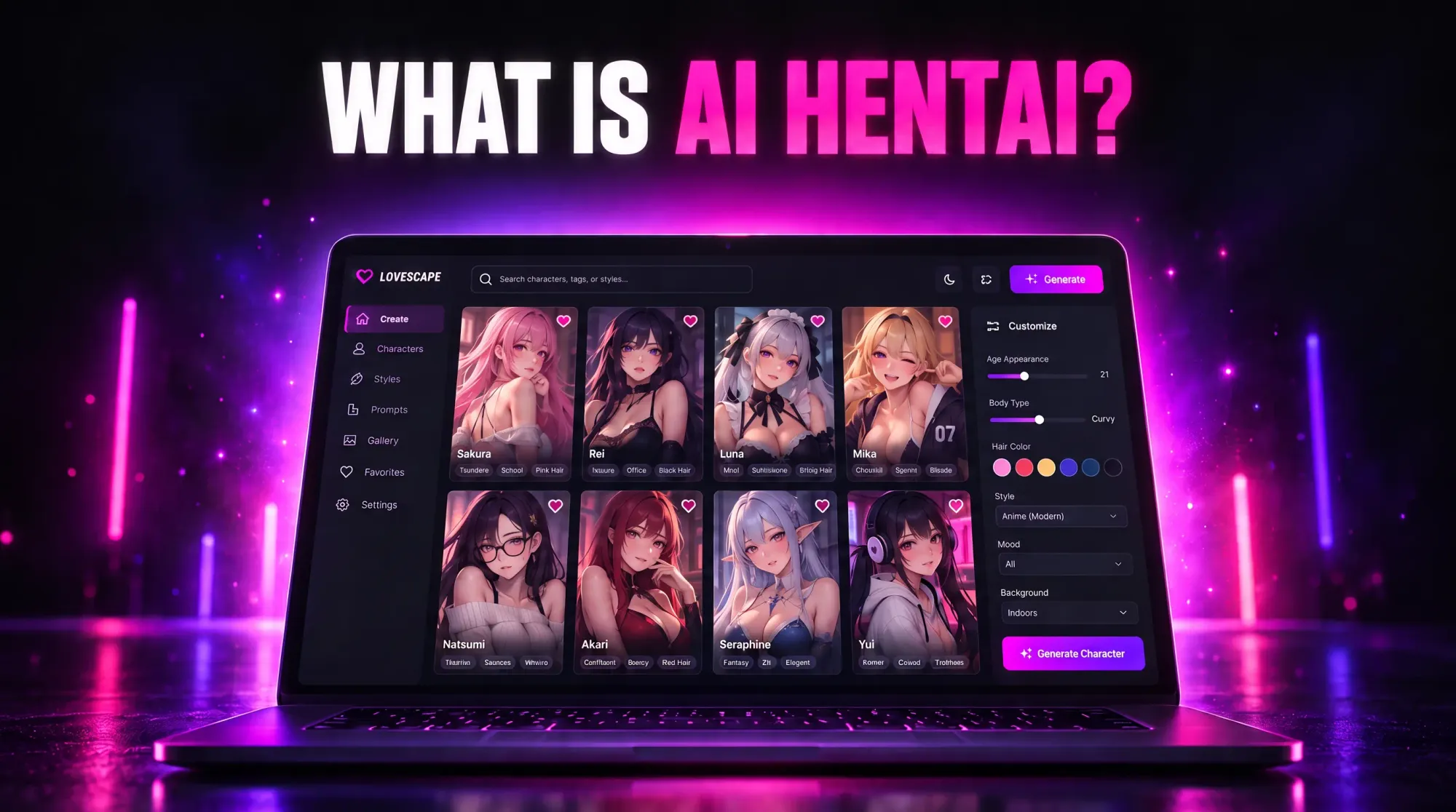
- Appearance. Body, face, hair, style — chosen through the character builder, in realistic or anime-leaning styles.
- Personality. How she talks, how she teases, what she's into. This isn't cosmetic: her personality drives conversation, scene tone, and how sessions unfold.
- Identity details. Name, backstory, the dynamics between you. The more specific you are, the more the permanent memory system has to build on later.
There's no "correct" amount of detail — a character sketched in two minutes works, and you can refine everything later. But the settings you choose here become her identity, not just a prompt: Lovescape's Grok-powered avatars lock her face and presence so that every image and video you generate afterward is recognizably her. Character consistency is the most common failure across AI generators; here it's the architecture.
Step 2: Talk to her first
You can jump straight to generating, but the better path is a conversation. Chat establishes tone, tests her personality, and starts filling her permanent memory — she remembers your history on every plan, by default, so the things you tell her now shape every future session. Unlike platforms where memory is a paid tier or expires after a week of inactivity, here the relationship persists as a baseline feature.
Step 3: Generate adult images
With your character created, image generation works from her identity:
- Choose an image style — including NSFW Realistic, now powered by the Lovescape Klein engine for sharper detail and more lifelike results.
- Describe the scene with unlimited custom prompts. There's no prompt cap and no "custom prompt" tier gate: you direct her exactly as specifically as you want, from outfit and pose to setting and mood.
- Generate. Because her avatar is locked, the output is her in the scene you described — not a stranger who vaguely resembles yesterday's render.
Iteration is the workflow: adjust the prompt, regenerate, refine. Your generations are private by default — nothing enters the community feed unless you choose to post it.
Step 4: Animate her with video
This is where Lovescape separates from image-only generators. Your character animates through the full action library, available on every video engine — including LTX 2.3 and Grok Imagine for adult AI video:
- Pick an action from the library.
- Choose your engine and settings.
- Generate — the clip renders with her consistent identity, in motion.
Two policies worth underlining, because almost nobody else offers either: there's no rationed monthly video count buried in a tier sheet, and the action library is unrestricted for all genders — the identical catalog whether you built an AI girlfriend, an AI boyfriend, or someone outside both. On most competitors, male and non-binary characters get a fraction of the animations, if video exists at all.
Step 5 (optional): Take it past the screen
If you own a Handy, pair it with your Lovescape account and sessions become physical: the device follows her — pace, intensity, rhythm driven by the session itself, with no manual slider. Setup takes about two minutes with your Handy connection key.
Tips for better results
- Specificity beats length. "Emerald slip dress, candlelit hotel bar, looking over her shoulder" outperforms three paragraphs of adjectives.
- Build her memory deliberately. Facts, preferences, and running jokes you establish in chat resurface in later sessions — feed the memory what you want it to know.
- Let the character stay consistent. Radically changing her appearance settings mid-stream works, but you're editing her identity, not just one image. For a different look, consider a second character — you can create more than one.
- Iterate in images before video. Nail the look in stills first, then animate — it's the faster path to a clip you love.
Frequently asked questions
Can I create a character based on a real person or a photo?
No. Lovescape prohibits photo uploads, real people, and deepfakes entirely, enforced at generation. Every character is fictional.
Can I make male or non-binary characters?
Yes, with the same full action library for images and video. Nothing is gender-gated.
Do I need prompt-engineering experience?
No. The character builder handles identity; prompts just describe scenes. Plain sentences work.
Will she remember previous sessions?
Yes — permanent memory is a default on every plan, not an upsell.
Is what I create private?
Private by default. Sharing to the community feed is opt-in, per post.
Start creating
The entire flow — design, chat, images, video — starts free, with no token math between you and the generate button.
Create your character on Lovescape free. Design her in minutes, see her in every frame, watch her move. She's fictional, she's consistent, and she remembers.