Big news for anyone who's been creating AI girlfriends, boyfriends, or anime characters on Lovescape: Flux style is now available to everyone.

If you've been using our AI image generator for a while, you already know different styles produce wildly different results. Flux is the one people have been asking about constantly, and now it's unlocked for all users.
What Makes Flux Different
Flux isn't just another style option in the dropdown. It hits different in three specific ways:
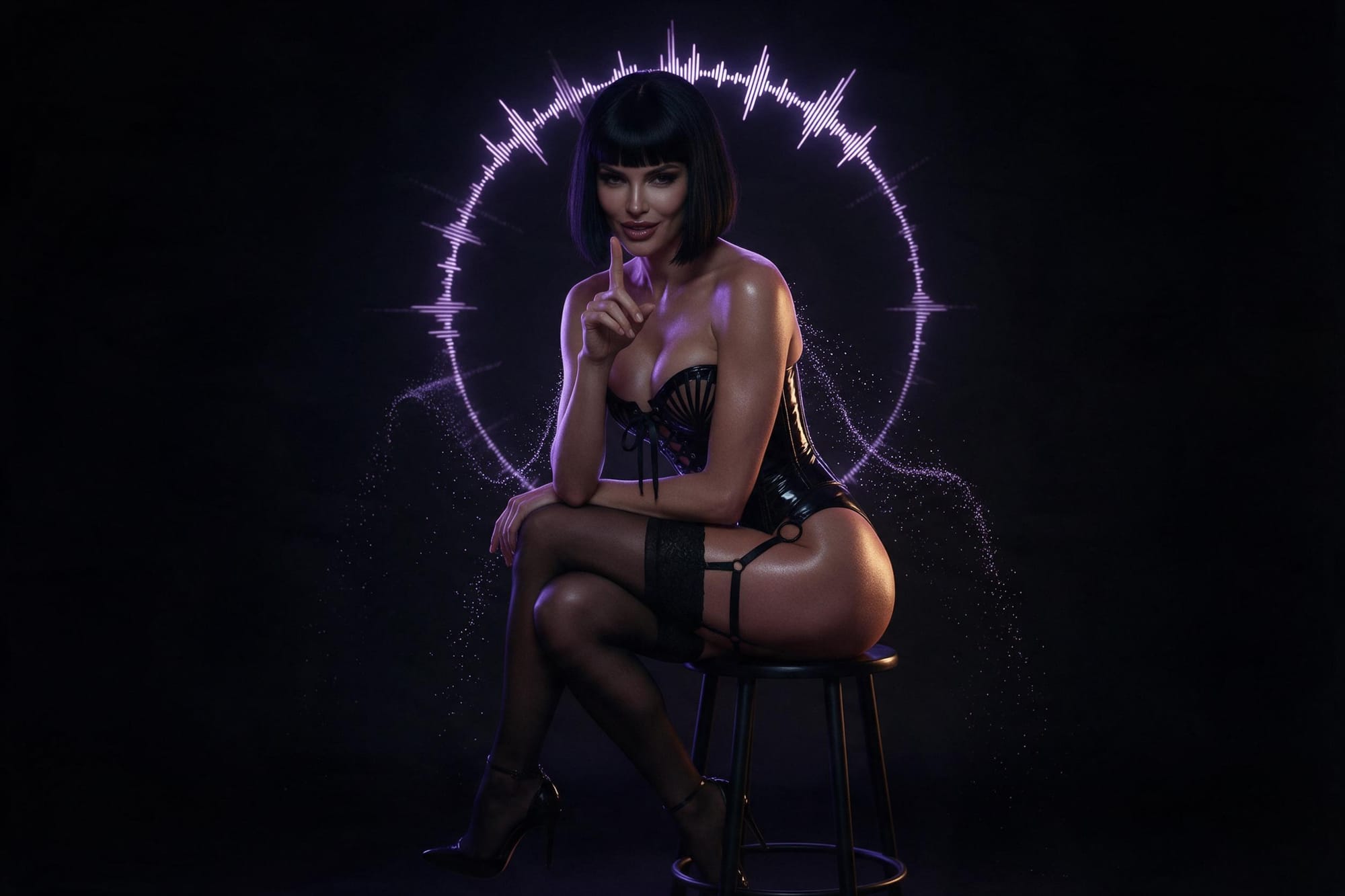
Bold lighting. The way Flux handles light and shadow makes your AI girlfriend or boyfriend look like they're in an actual scene, not just standing against a backdrop. Dramatic rim lighting, moody shadows, cinematic glow—it's all there by default.
Hyper-detailed finishes. Texture quality goes up significantly. Skin, hair, clothing, everything renders with more detail than most other styles. If you've been struggling to make your anime character generator outputs look polished, Flux handles that automatically.
Cinematic polish. The overall aesthetic is more film-like. Your virtual girlfriend doesn't just look good, she looks like a frame from something with an actual cinematographer. It's the difference between a nice photo and a movie still.
How to Actually Use Flux for AI Character Creation
Flux is live in the image generator right now. Just select it from the style dropdown when you're creating your AI girlfriend, boyfriend, or anime character.
Here's what works best based on what we've seen so far:
Combine it with dynamic camera angles. Flux thrives on interesting compositions. Low angles, dutch tilts, over-the-shoulder shots—the style makes these look way more dramatic than flat, centered portraits.
Add moody lighting to your prompts. Since Flux already handles lighting well, lean into it. "Golden hour sunlight," "neon backlight," "dim club lighting"—whatever matches your character's vibe. Flux will execute it better than other styles.
Use it for your best characters. Flux produces high-quality results, so save it for AI companions you're actually proud of or entering into contests. It's overkill for quick tests, perfect for final versions.
Why This Matters for AI Girlfriend and Boyfriend Creators
If you've been building AI girlfriends or boyfriends on Lovescape, you know presentation matters. A character with great personality but mediocre visuals doesn't hit the same as one that looks cinematic.
Flux closes that gap. You don't need to be an expert at prompt engineering to get professional-looking results anymore, the style does a lot of heavy lifting automatically.
For anime AI generator work specifically, Flux is a game-changer. Anime styles can look flat or over-processed with the wrong settings. Flux keeps that anime aesthetic while adding depth and polish that makes characters feel more three-dimensional.
What to Try First
If you're not sure where to start, here's the move:
Take one of your existing AI characters, girlfriend, boyfriend, whatever, and regenerate them using Flux. Same prompt, same settings, just switch the style. Compare the results.
You'll immediately see the difference in lighting quality, detail level, and overall polish. Then start experimenting with lighting prompts and camera angles to push it further.
More Updates Coming
This is just one unlock. We've got more features, styles, and tools rolling out soon.
For now, go test Flux. See what it does to your characters. See if it changes how you approach prompts. The style's live right now, so there's no waitlist or special access needed.
Create something that looks cinematic.