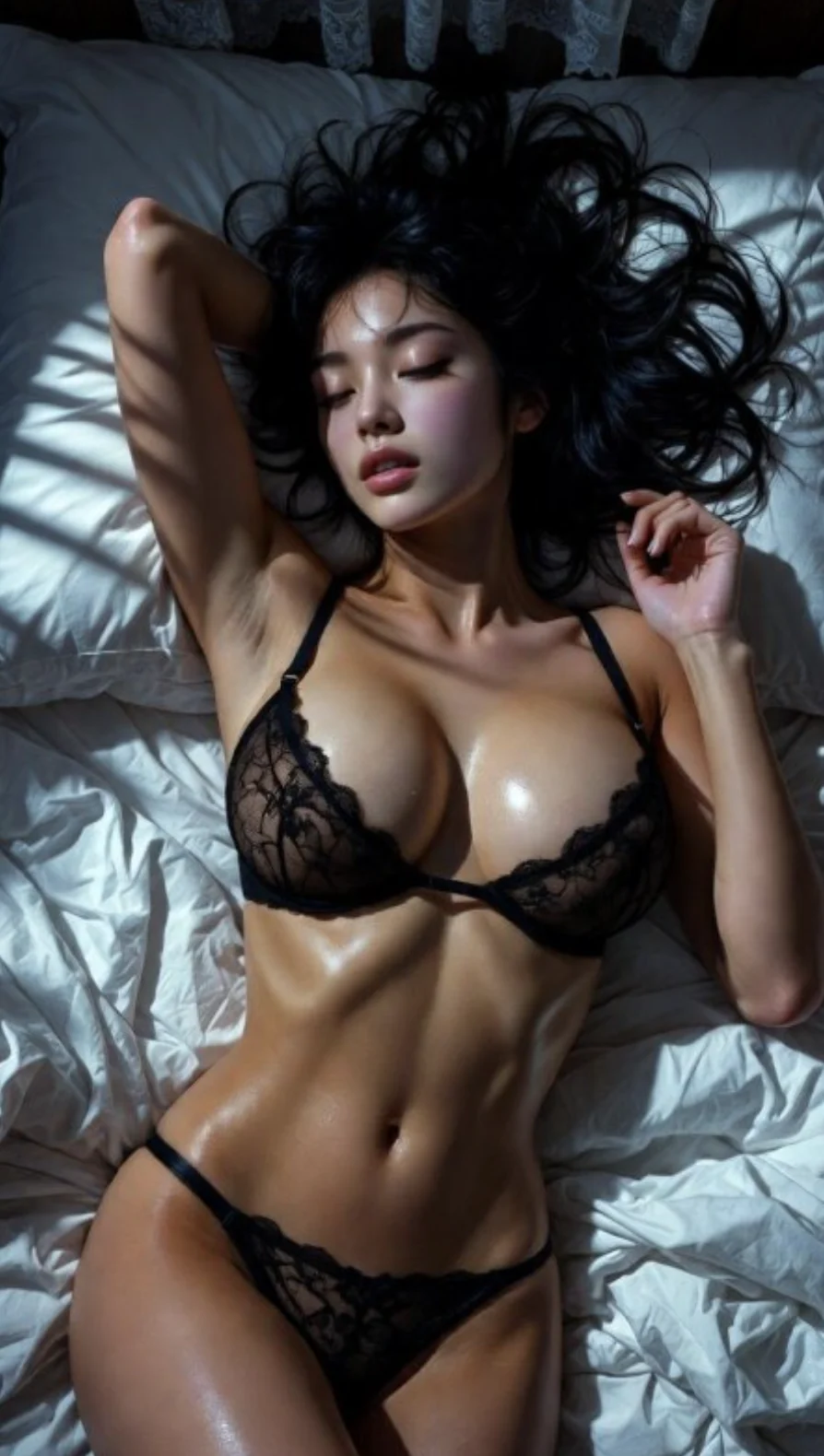
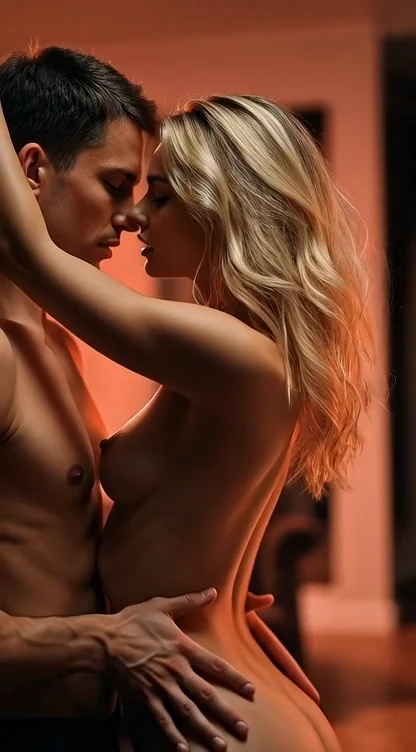
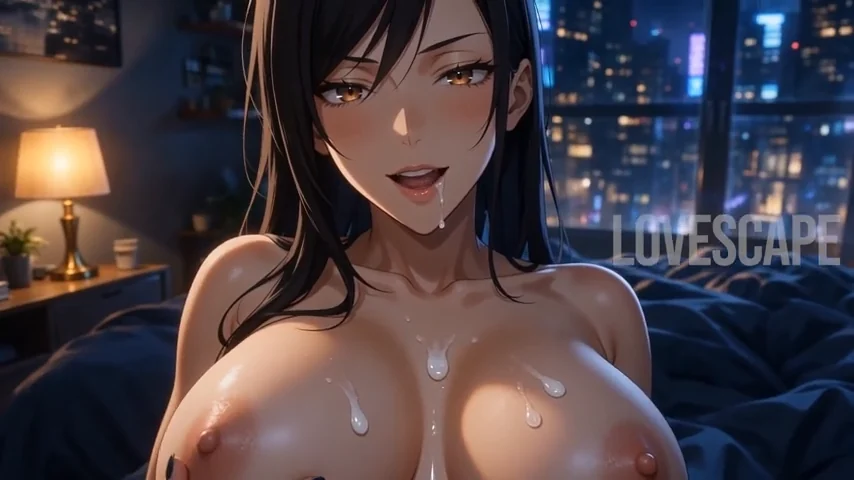
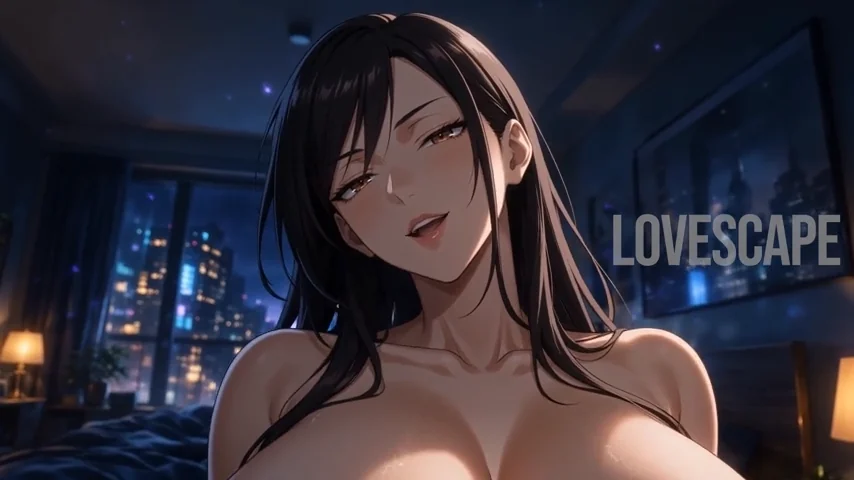
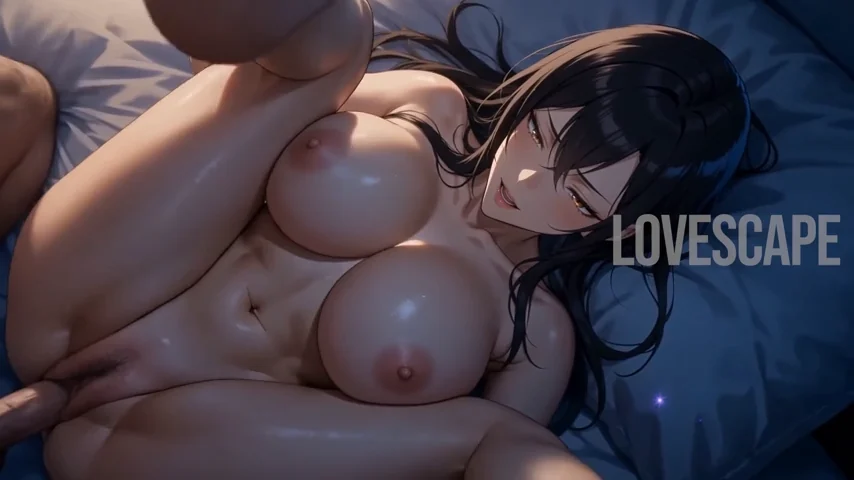
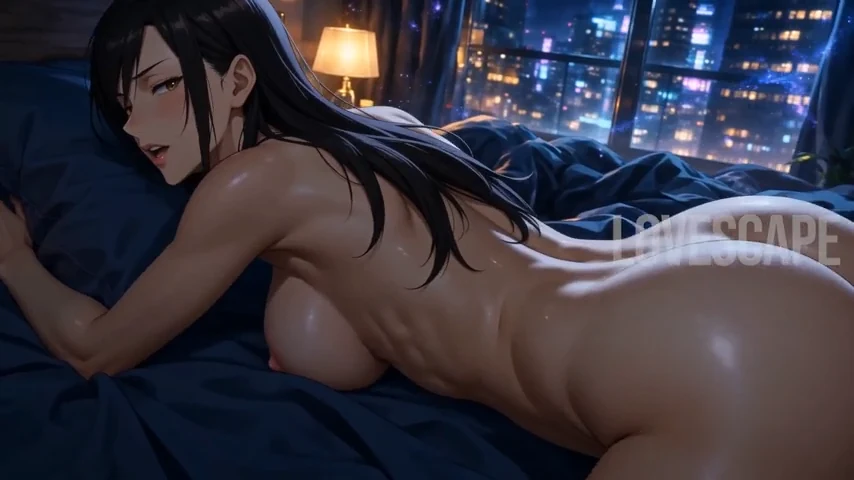
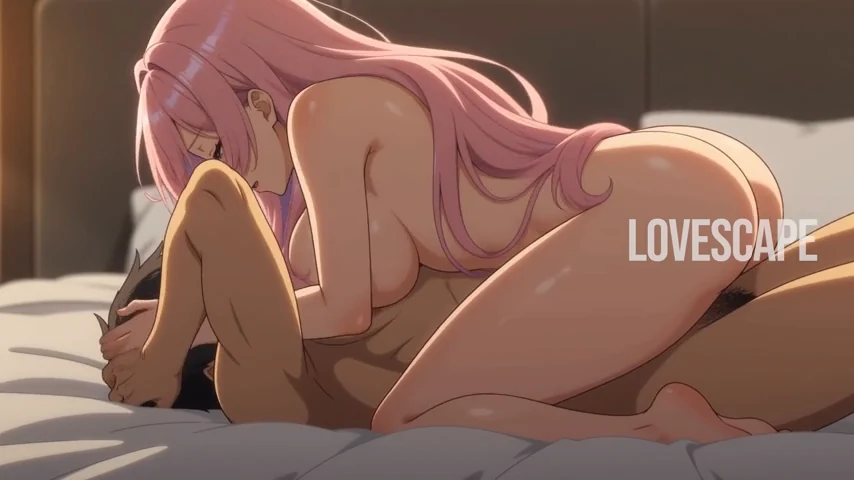
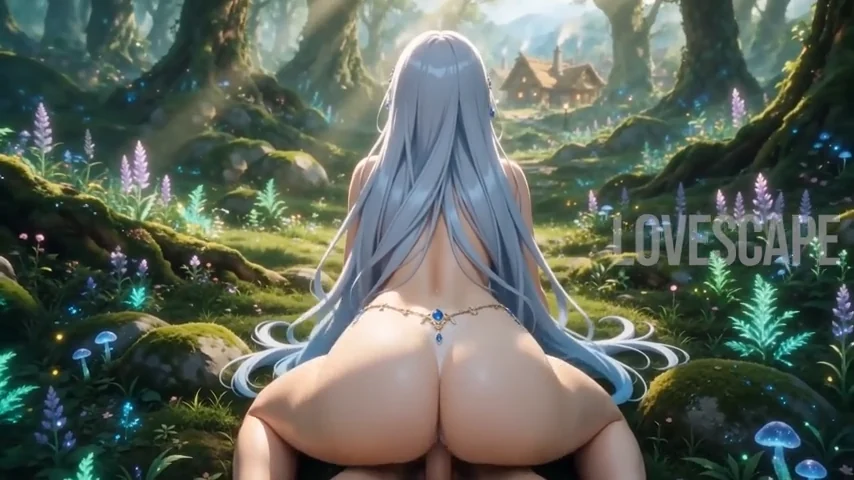
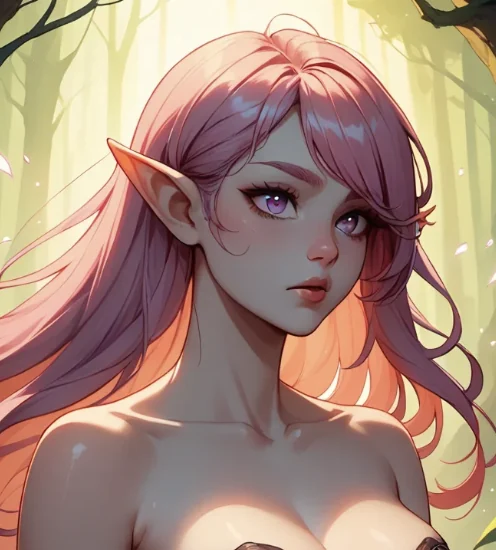
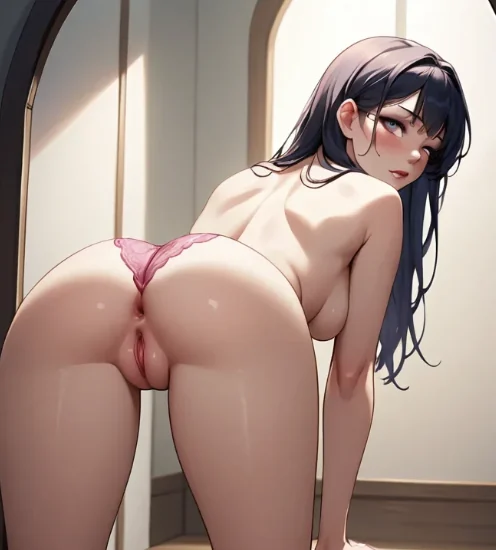
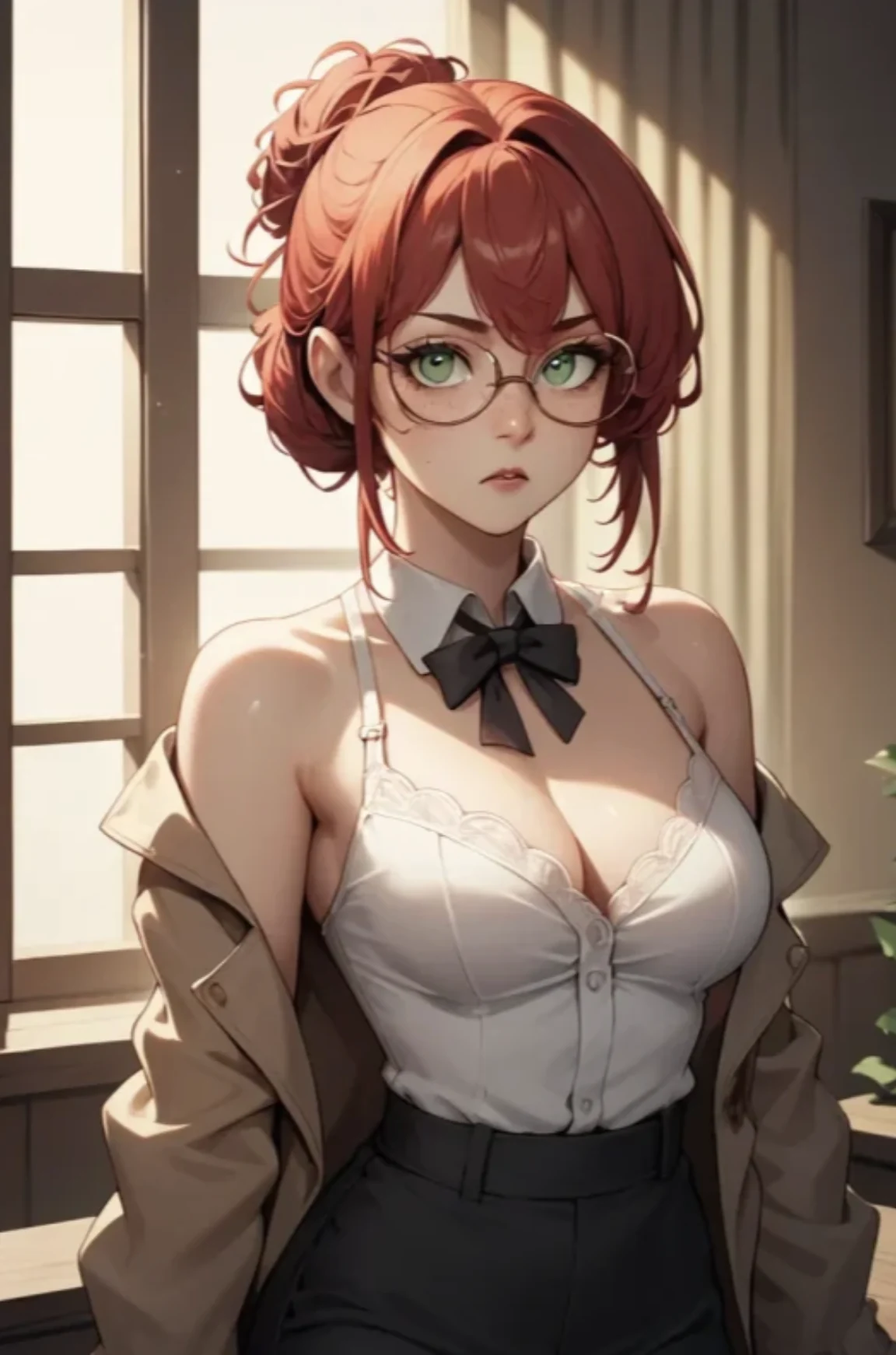
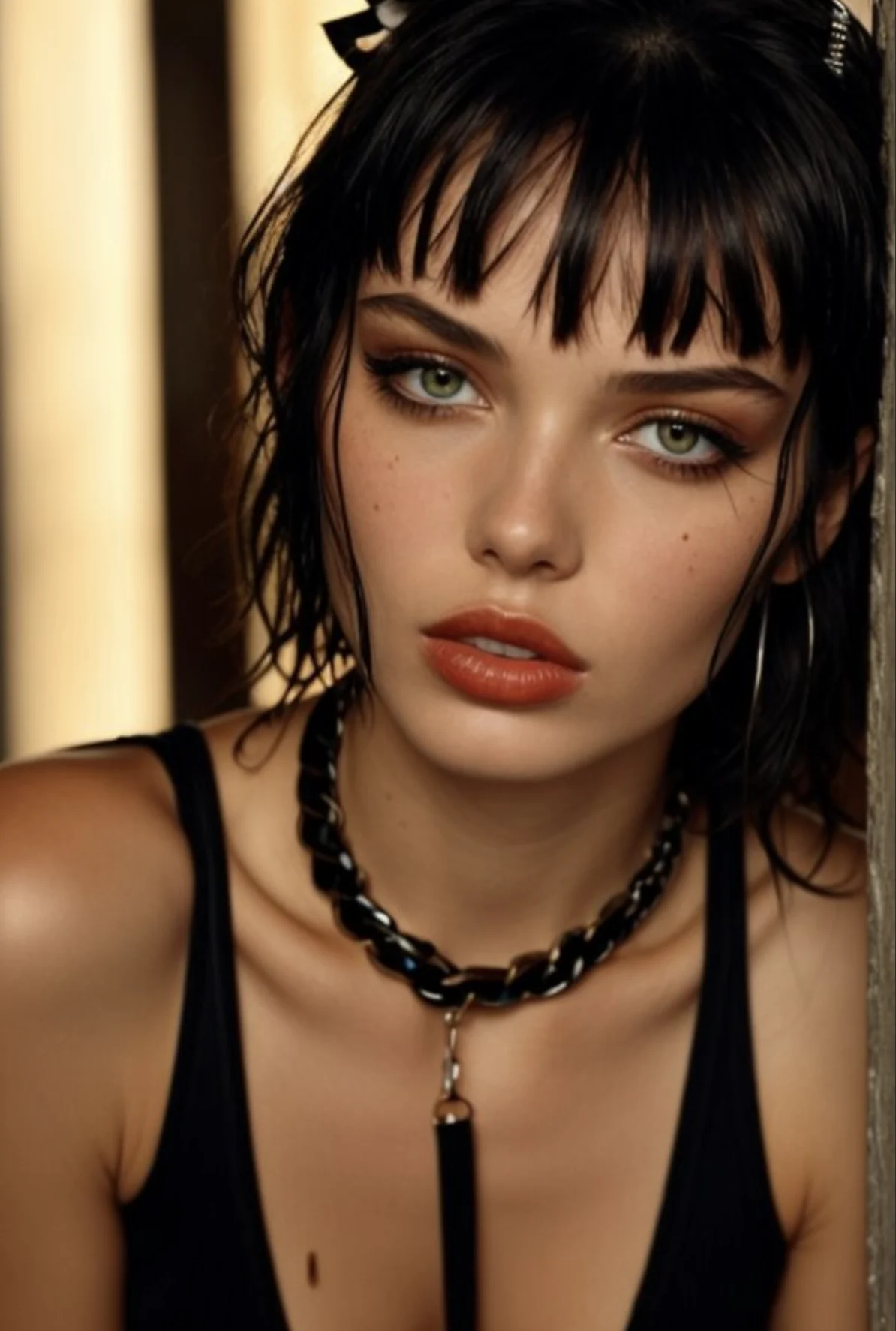
Fictional adult woman in a cinematic bedroom scene
18+ Private image-to-video

NSFW AI Image-to-Video Generator

Turn a static image into a moving scene with a NSFW AI image-to-video generator. Start with your visual, describe the motion and atmosphere you want, then create a video that develops the original concept.

Direct the character’s movement, expression, camera behavior, and overall mood without editing the footage manually. Whether your starting image is realistic, cinematic, anime-inspired, or stylized, the tool helps you take the fantasy beyond a single frame.

Source-image control Prompt-directed motion Private 18+ workspace
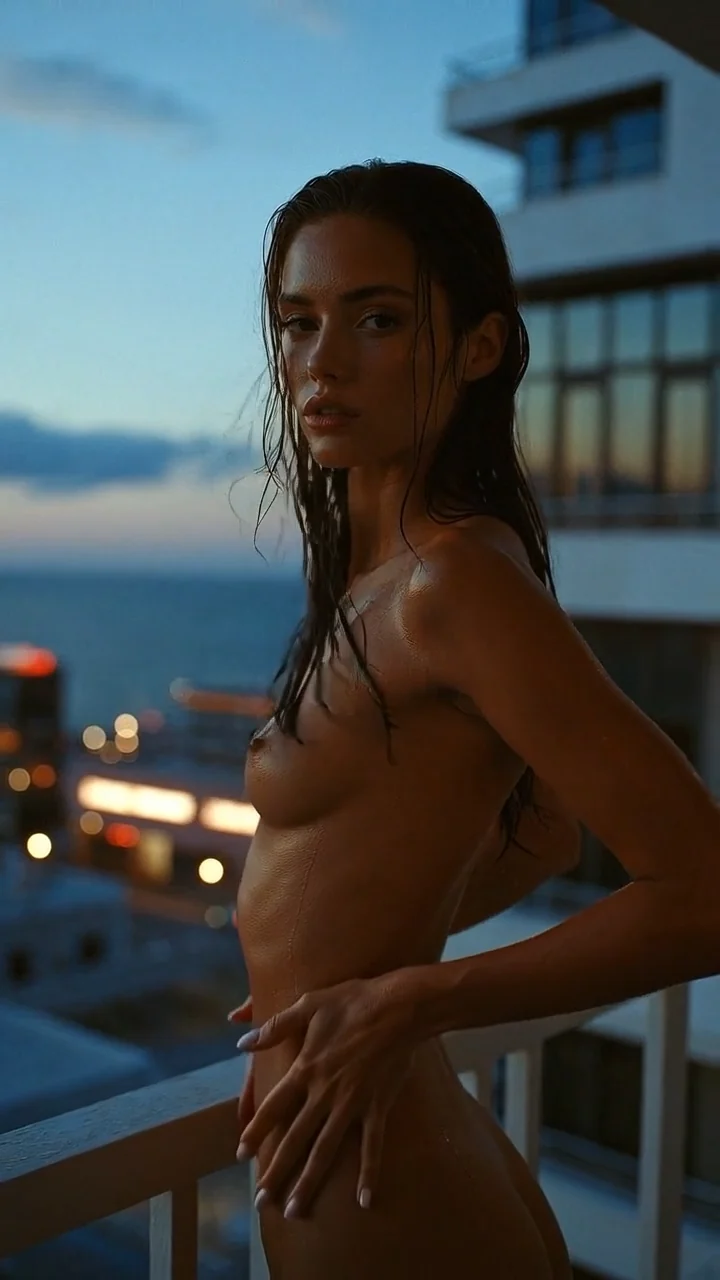
Fictional adult woman on a balcony at dusk
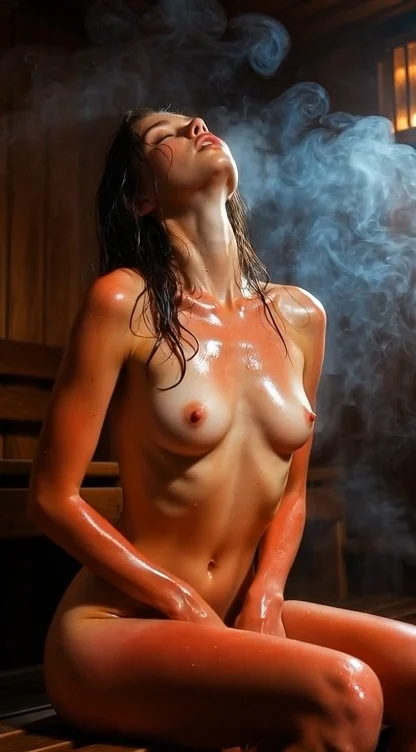
Fictional adult woman in a warm spa scene
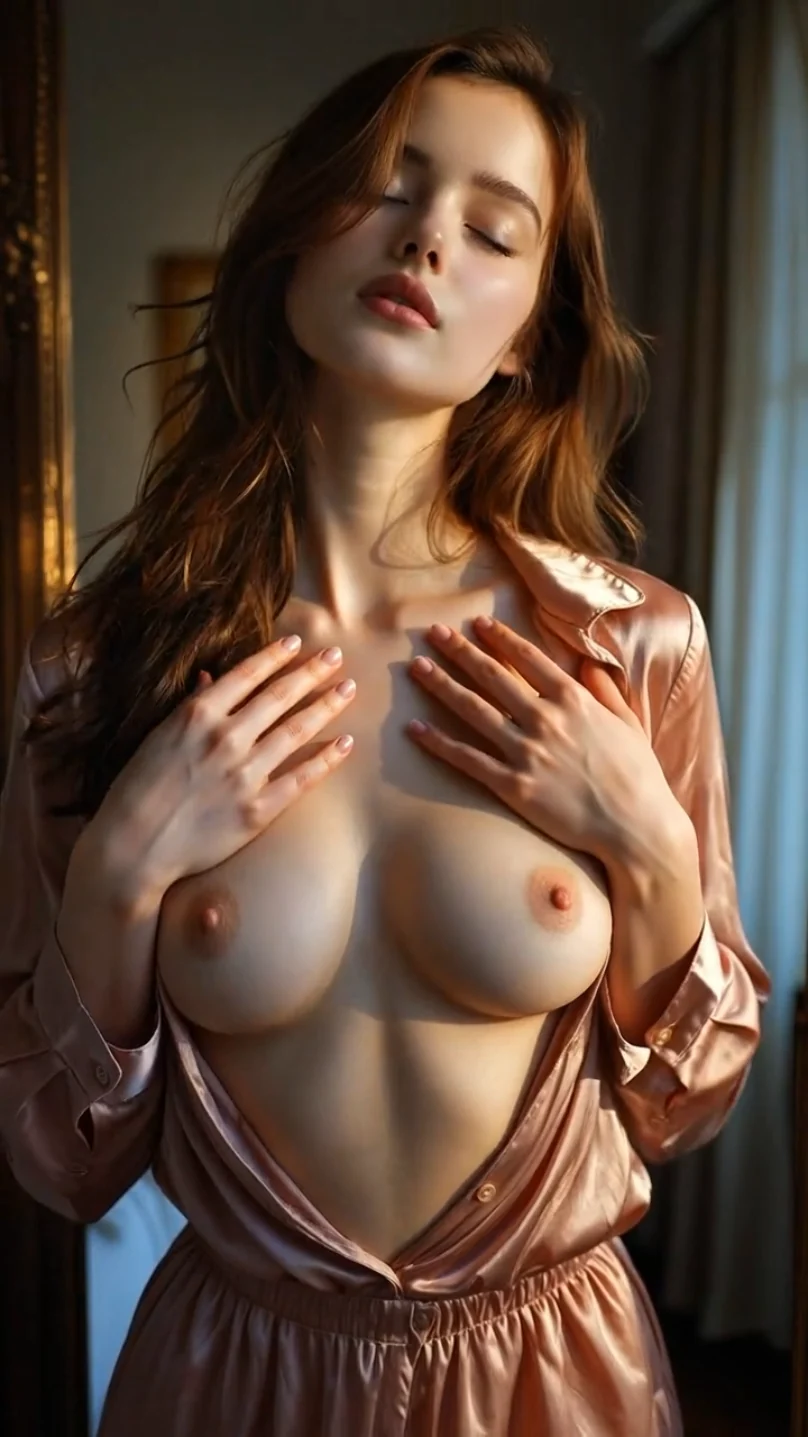
Fictional adult woman in a softly lit bedroom
✦ Interactive image-to-video studio

Turn Your NSFW Image Into an AI Video

a NSFW image-to-video AI tool adds movement to an existing adult visual. Instead of rebuilding the scene from a new prompt, use the original image as the foundation for your video.

Upload an image, explain what should happen, and let the simulator animate the character and scene. Keep the movement subtle for a natural result or add more specific direction when you have a clear moment in mind.

AI Image-to-Video
Private studio · 18+
01
Source imagePNG, JPG or WebP · up to 20 MB
Choose a demo frameClick to load
02
Direct the motionDescribe one clear action for a cleaner result
Motion presetCinematic close-up

Upload your image or try the sample, then create a simulated motion preview.

03
Motion previewWaiting for direction
Generated motion preview
Your preview will appear hereThe simulator animates your selected frame
SourceEmber close-up MotionCinematic Output8 sec · 4:5
✦ Keep the frame, add the movement

7 Ways to Animate Your Starting Image

Use the source visual to hold onto the character, composition, lighting, and aesthetic while your prompt directs what happens next.

Anime-style fictional adult woman in a cinematic bedroom at night
01

Animated NSFW Images

Turn a static adult image into a short video while preserving its character, lighting, composition, and style. Add controlled movement without rebuilding the scene from scratch.

02

Realistic Character Animation

Bring the character to life through facial expressions, eye movement, changes in posture, and natural body motion. Hair, clothing, lighting, and background elements can also move to support the atmosphere of the scene.

03

Custom Motion Direction

Explain what should happen in the video using a text prompt. Define the character’s actions, the speed of movement, camera behavior, and overall mood to guide how the source image develops.

04

NSFW Photo-to-Video Scenes

Turn a realistic-style adult photo into a moving visual with controlled character motion and cinematic framing. The source image provides the composition, while your instructions determine the action and pacing.

05

Anime & Stylized Animation

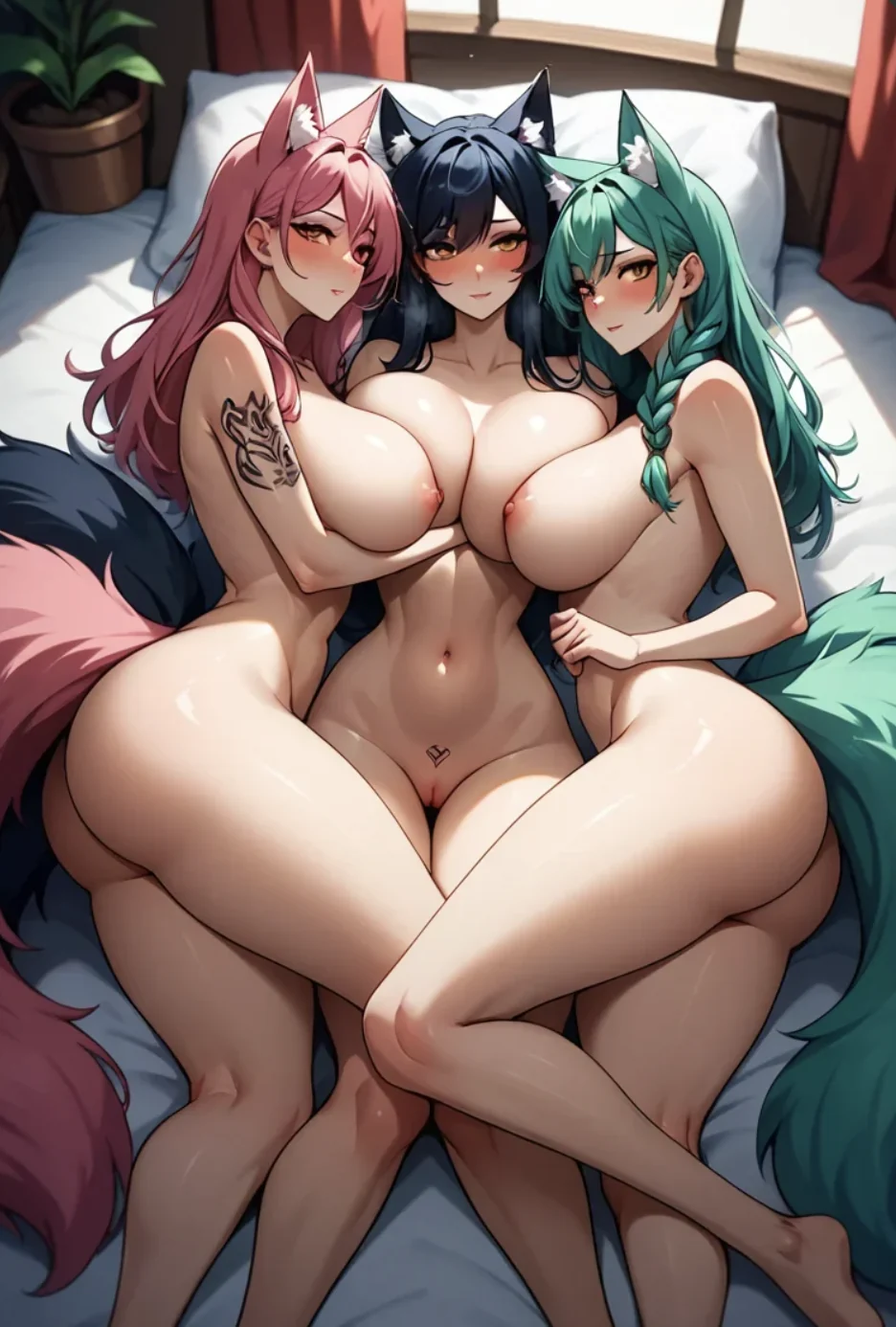
Animate anime-inspired, illustrated, fantasy, or furry NSFW artwork without replacing its original aesthetic. Match the movement, expressions, and atmosphere to the style already established in the image.

06

Connected NSFW Storytelling

Continue one fictional character or fantasy across several formats. Start with private chat or roleplay, generate a key image, and animate that moment as part of a larger storyline.

07

Personal Video Workspace

Keep your fictional characters, source images, prompts, and generated videos within one creative environment. Develop new scenes around the same concept without rebuilding its central details each time.

Anime-style fictional adult woman in a moonlit fantasy scene
✦ Five motion studies

See Static Concepts Become Moving Scenes

Five distinct image-to-video directions, from subtle portrait movement to stylized adult fantasy. Each clip uses its own visual language, pacing, and atmosphere.

AI VIDEO

Kaia — Alpine Heat

01
AnimeOutdoor lightSubtle motion

A sunlit anime portrait with braided accents, mountain air, and a confident pose. The motion study emphasizes gentle breathing, loose hair movement, changing highlights, and a smooth vertical camera drift.

AI VIDEO

Sloane — Soft Studio

02
RealisticStudio portraitNatural loop

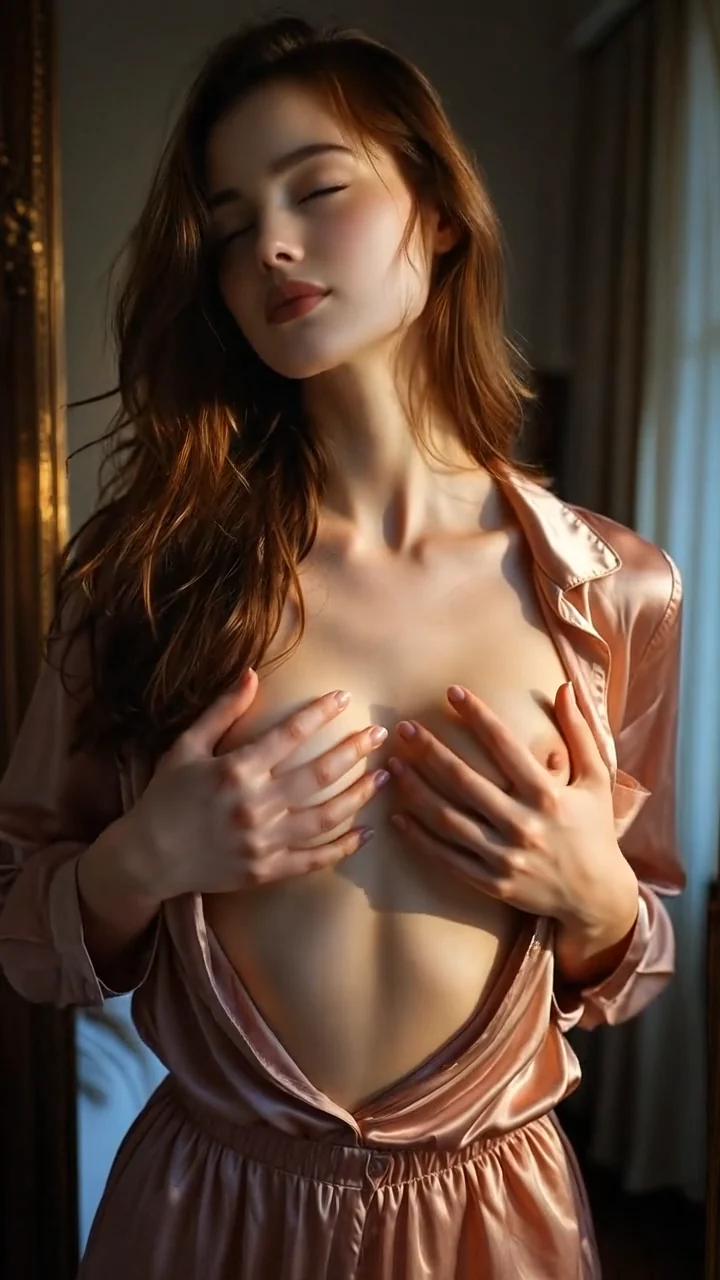
A restrained red-haired studio portrait shaped by warm neutral tones and natural eye contact. Subtle posture changes, soft blinking, fabric movement, and a measured push-in keep the result intimate and believable.

AI VIDEO

Miyu — Crimson Tension

03
Anime fantasyCrimson ropeExpressive

A high-intensity anime scene built around symmetrical framing and deep red accents. Controlled expression changes, animated highlights, responsive hair, and rhythmic camera motion give the fantasy a stylized pulse.

AI VIDEO

Valerie — Black Gloss

04
RealisticBlack glossClose-up

A bold close-up driven by glossy black styling, white bedding, and direct composition. The scene uses breathing, reflective light shifts, small hand movement, and a steady centered dolly for controlled intensity.

AI VIDEO

Luna — Fireside Secret

05
RoleplayFiresidePOV scene

A blonde roleplay character framed from a close point of view beside a glowing fireplace. Eye contact, curled hair, flickering flame light, and a slow forward movement create a warm, immersive sequence.

✦ 4 clear steps

How to Animate a NSFW Image With AI

Anime-style fictional adult character in a cinematic nighttime bedroom

Choose Your Starting Image

You can start with a realistic AI photo, an illustrated character, an anime-style image, or another fictional adult visual. Choose an image with the appearance, pose, lighting, and setting you want to preserve in the video.

Anime-style fictional adult character used to define the scene mood

Describe the Motion & Mood

Write a prompt explaining how the image should move. Include the character’s actions, facial expression, camera direction, pacing, and intended atmosphere.

Anime-style fictional adult character shown as a generated video frame

Generate NSFW AI Video

Start the generation after uploading the image and adding your motion prompt. The AI uses the visual as its reference and creates a moving sequence around your instructions.

Anime-style fictional adult character continuing a private scene

Continue the Scene

Use the generated video as part of a larger private fantasy. Return to the same character in chat, generate related images, build an adult roleplay, or create another video around a different moment.

This lets one static image become the starting point for a connected character story.

✦ From still frame to scene

Create Your Own NSFW Image-to-Video Scenes

A static image captures one moment. NSFW image-to-video AI gives that moment movement, pacing, and atmosphere.

Use a realistic NSFW photo to create a cinematic-style clip or animate an illustrated character without changing the core aesthetic. Your source image establishes the visual identity, while the prompt explains how the scene should develop.

You control the creative direction. Keep the animation subtle, focus on a character’s expression, introduce camera movement, or describe a specific action that fits the original composition.

Anime-style fictional adult character in a cinematic nighttime bedroom
✦ Image-to-video explained

What Is a NSFW AI Image-to-Video Generator?

a NSFW AI image-to-video generator is an adult-focused tool that converts a static visual into a short AI-generated video.

The image provides the character, pose, setting, and visual style. A text prompt tells the AI what movement, mood, and camera behavior to add. The tool then creates a video based on both inputs.

Unlike text-to-video generation, the process begins with an established visual concept. This gives you more control over the character’s initial appearance and the overall composition of the scene.

Anime-style fictional adult character in an intimate cinematic bedroom scene
✦ Image-to-video essentials

NSFW AI Image-to-Video Features

Anime-style fictional adult character in a luminous fantasy forest
01

Source Image-Based Generation

Use an existing fictional adult image as the visual foundation for your video. The tool follows its character design, colors, composition, and setting instead of creating every element from scratch.

This approach is useful when you already have an image that matches your fantasy and want to develop it further through motion.

02

Prompt-Controlled Animation

Explain how the scene should move in natural language. Direct the character’s actions, expression, body language, and interaction with the environment.

You can also describe camera behavior and pacing to give the clip a specific visual tone. A focused prompt helps keep the movement aligned with the source image.

03

Realistic & Stylized Motion

Animate realistic-style adult photos, cinematic scenes, illustrations, anime characters, or fantasy visuals. The generated movement can follow the same aesthetic as the original image.

Choose subtle motion when visual consistency matters or explore more expressive animation for stylized character concepts.

04

Character & Scene Continuity

Starting from an image helps preserve the core character and environment throughout the clip. The original visual acts as a reference for appearance, styling, lighting, and composition.

05

Connected Character Experiences

Use the same fictional adult character across chat, roleplay, images, stories, and video. Start with a conversation, generate a key visual, and animate that moment when you want a more dynamic result.

Keeping the central concept connected makes each format feel like part of the same fantasy.

✦ One connected experience

Why Use Our NSFW Image-to-Video AI?

The platform combines adult characters, private chat, image creation, stories, and video generation in one creative experience. Develop a concept across multiple formats without rebuilding it from the beginning.

01

Start With the Image You Already Like

Use an established visual as the foundation instead of trying to reproduce the same character and composition through text alone.

The source image gives the AI a clear reference, while your prompt controls the motion and atmosphere.

02

Direct the Movement With Words

Describe the action in a simple text prompt rather than editing frames manually. Add character movement, expressions, environmental effects, and camera direction in your own words.

Keep the instructions concise for natural motion or add selected details when a particular action matters.

03

Preserve the Core Visual Concept

The tool develops the scene around the source image. This helps keep the original character, setting, and aesthetic recognizable as the visual moves.

Choose a source image with clear details and request motion that fits its existing composition.

Anime-style fictional adult elf character in a sunlit forest
04

Explore More Than One Animation Style

Create realistic motion, cinematic pacing, anime-inspired animation, or more stylized movement. The original image and motion prompt work together to define the result.

Use different prompts with the same visual to compare moods and creative directions.

05

Build a Larger Fantasy

One image can lead to several video moments, related visuals, private conversations, and adult stories. Continue the same concept instead of treating each generation as an unrelated result.

Anime-style fictional adult character in a softly lit interior
✦ Illustrative creator reviews

How Image-to-Video Fits Different Creative Workflows

Six distinct perspectives on turning a strong source frame into motion, from portrait loops and character continuity to atmosphere-led illustration.

Portrait loops
★★★★★
“I use still portraits as key art, so I need motion to respect the face and framing. Starting with a quiet blink, a slight turn, and one slow camera move gives me a cleaner loop than stacking five actions into one prompt.”
Illustrative profile portrait of Mia Chen
Mia ChenVisual storyteller · Toronto
Prompt iteration
★★★★★
“The clearest workflow for me is image first, motion second. I can lock the look with the source frame, then test a few short direction prompts until the pacing fits the scene.”
Illustrative profile portrait of Naomi Park
Naomi ParkCreative producer · Seoul
Cinematic light
★★★★★
“Night portraits are easy to over-animate. Keeping the body movement subtle while asking for drifting neon reflections gives the clip energy without losing the original composition.”
Illustrative profile portrait of Riley Morgan
Riley MorganNight-scene photographer · Chicago
Character continuity
★★★★★
“For recurring characters, continuity matters more than spectacle. I animate a frame that already has the right wardrobe and lighting, then iterate on expression and camera movement.”
Illustrative profile portrait of Adrian Cole
Adrian ColeCharacter artist · Barcelona
Illustrated motion
★★★★★
“My artwork relies on small atmosphere cues. A prompt focused on breathing, hair movement, and background particles keeps the illustration recognizable while making it feel alive.”
Illustrative profile portrait of Elise Rowan
Elise RowanFantasy illustrator · Bristol
Simple direction
★★★★★
“I get the best results when I treat each clip like one shot: one action, one mood, one camera instruction. Variations become easier to compare and the motion stays coherent.”
Illustrative profile portrait of Theo Grant
Theo GrantHobby animator · Austin
✦ Compare the workflow

Lovescape vs Other NSFW AI Image-to-Video Generators

Choose by the workflow you actually need: a connected fictional character, a generator-first studio, quick companion media, or a broader editing suite.

PlatformBest forImage-to-video inputText-to-videoContinuityVideo controlsConnected toolsAccess note
Promptchan Generator-first creative control Yes Animate a generated result Yes Direct from a prompt Pose, composition, clone, and remix tools support visual consistency Full-length and extend on Pro; image remix and Pro upscaling Image/video generation, community gallery, and character chat Free image allowance; private generation and advanced video are paid
Candy AI Ready-made companions and conversational media Beta Turns a generated companion image into video Unclear Not clearly documented on its current generator page A selected companion anchors the experience across chat and media 5- or 10-second video options; results can vary during beta Companions, chat, voice, personalized images, and video Premium required for video
OurDream Long-form companion and community workflows Native only External reference-photo uploads are not supported Prompt-led Official guidance supports directed video prompting Characters and community packs group related chat, images, and video Standard clips up to 60 seconds, enhance, +5-second extend, and audio Chat, voice, images, video, chatbots, and community packs Subscription plus Dreamcoins for generation
SoulGen Multi-format generation and talking clips Yes Image/reference-to-video workflows Yes Prompt-to-video workflow AI Character tools are available, but the workflow is more project-led 720p/1080p options, audio, talking/lip-sync tools, and video editing Images, video, AI Character, Soul Chat, and voice Credit-based Pro features
✦ Need to know

NSFW AI Image-to-Video Generator FAQ

Short answers about source images, animation styles, access, and privacy.

What is a NSFW AI image-to-video generator?

It is an adult AI tool that converts a static NSFW image into a short video. The source image provides the visual foundation, while your prompt describes the movement and atmosphere.

How does NSFW image-to-video AI work?

Upload an image, write a motion prompt, and start the generation. The AI analyzes the character and scene, then creates a moving sequence based on your instructions.

Can I animate a realistic NSFW image?

Yes. Use a realistic-style source image and describe natural motion, expressions, pacing, and camera behavior that complement its composition.

Can I animate anime or illustrated images?

Yes. You can animate anime-inspired, illustrated, fantasy, or other stylized fictional adult visuals. Keep the motion prompt consistent with the source image’s aesthetic.

Can I turn a NSFW photo into a video?

Yes. The image-to-video process uses a still visual as the basis for an AI-generated clip. Use only fictional adult images or content you have permission to animate.

Is this an unlimited NSFW image-to-video generator?

Available generation limits depend on the current account option. Check the active plan before creating multiple videos rather than assuming generation is unlimited.

Is NSFW image-to-video creation private?

The tool is intended as a personal creative space for adult image and video generation. Avoid uploading sensitive content or personal images you do not have the right to use.

Is there a free trial?

Lovescape does not offer a free trial. Choose the available option that matches the type of adult images and videos you want to create.

✦ Keep exploring

More NSFW AI Generators You May Enjoy

✦ Your source image is ready

Don’t leave it still. Make it move.

Upload a fictional adult image, describe the motion, and develop the moment into a private AI video.

Animate your image Fictional adults only · Use content you have the right to animate