


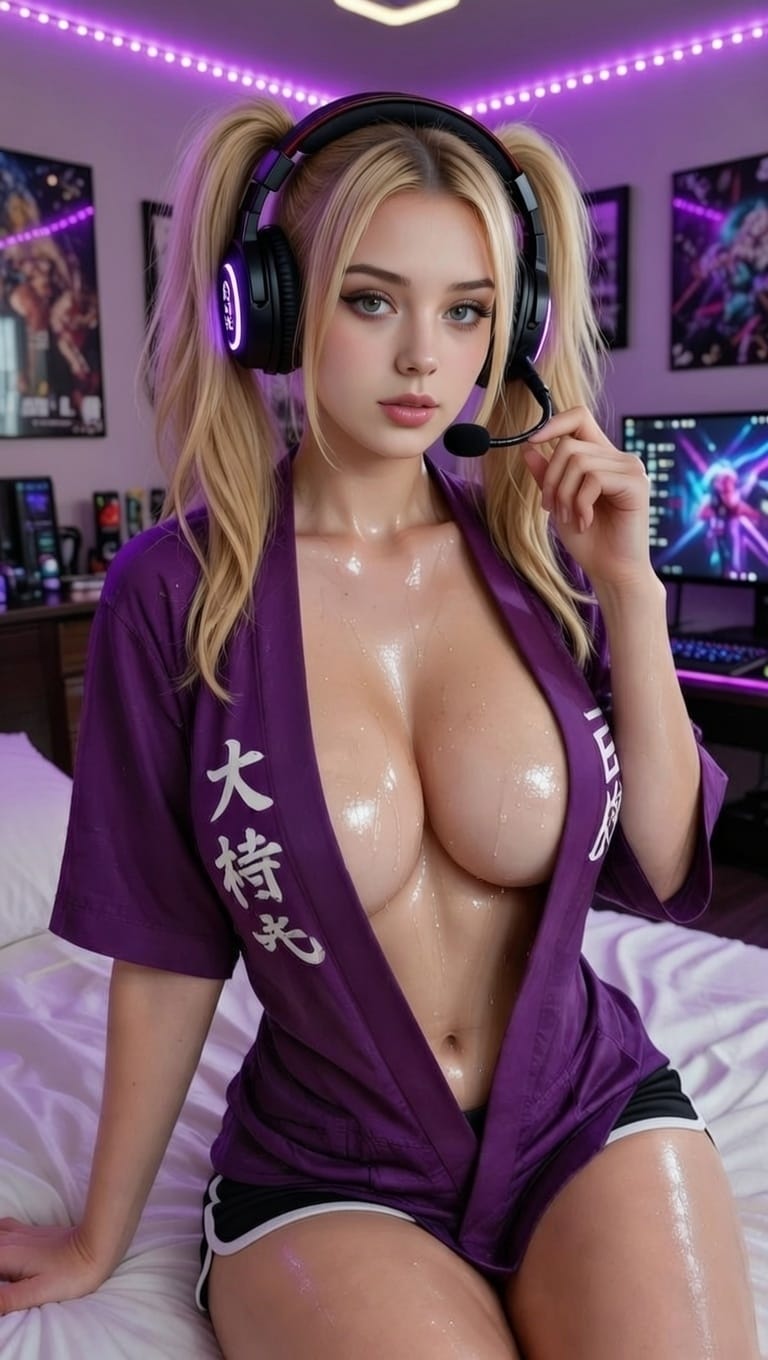
Static images and text messages are fine.
But watching her face move while she talks to you? That's a completely different experience.
Most AI girlfriend platforms give you either pictures OR text conversations. Lovescape gives you both at once: she speaks, her mouth moves, and you're watching her face while she says it.
If you're still just reading messages, you're missing the most immersive part.
Here's why talking AI videos matter and how to actually use them.
The Problem With Static AI Girlfriends
You generate a great image of your AI girlfriend. She looks exactly how you wanted. Then what?
You read her text messages. Cool. But she's frozen in that one pose forever, staring at you while words appear on screen.
Your brain never forgets you're looking at a picture and reading text. There's zero immersion.
Then you discover the talking feature:
- Generate her image
- Write what you want her to say
- Text-to-speech creates her voice
- The image animates with lip sync
- She's actually talking to you
Suddenly she's not a frozen picture anymore. She's moving, speaking, present.
That's the difference between "looking at a photo of someone" and "watching them talk."
What Makes AI Girlfriend Videos Actually Work
Not all talking AI is created equal. Some platforms have choppy animation, robotic voices, or terrible lip sync that kills immersion.
Here's what separates good talking AI from garbage:
1. Natural Lip Sync
The mouth has to match the words.
If the lips are moving randomly or there's a delay between audio and mouth movement, your brain immediately clocks it as fake and immersion dies.
Bad lip sync: Mouth opens and closes vaguely in rhythm
Good lip sync: Lips, tongue, and jaw movements match the actual phonemes being spoken
Watch for mouth shapes that actually correspond to sounds: "m" and "b" need closed lips, "o" needs rounded lips, "ee" needs wide stretched mouth.
2. Facial Movement Beyond Just Lips
Real people don't talk with only their mouth moving.
When someone speaks:
- Their eyes blink naturally
- Their eyebrows raise for emphasis
- Their head makes micro-movements
- Their expression shifts based on what they're saying
The best talking AI girlfriends animate subtle facial movement, not just lip sync. That's what makes it feel real instead of uncanny.
3. Voice Quality That Matches Her
The voice has to fit the character.
If you designed a playful anime girlfriend but the voice sounds like a corporate assistant, it breaks immersion instantly.
Look for:
- Multiple voice options you can preview
- Emotional tone that matches the text (excited text should sound excited)
- Natural speech patterns (not robotic pronunciation)
- Voices that fit different character types
4. Fast Generation Speed
If it takes 5 minutes to generate a 10-second talking video, you'll never use the feature.
Speed matters. You should be able to:
- Write what you want her to say
- Pick a voice
- Generate in under 30 seconds
Any longer and it's not interactive — it's just slow video rendering.
Why Talking AI Videos Change Everything
Once you've seen your AI girlfriend actually speaking, static images feel incomplete.
You Stop Reading, Start Watching
Text keeps you locked in "reading mode" where your brain is processing words.
When she's talking, you're in "watching mode" — you're focused on her face, her expression, how she sounds. Your brain engages completely differently.
It's the difference between reading a play script vs watching the actual performance.
NSFW Content Gets 10x Better
Let's be direct: hearing her voice during intimate moments is exponentially better than reading dirty talk.
When she's saying something flirty or explicit:
- You hear the tone (playful, teasing, intense)
- You see her expression as she says it
- You're fully immersed in the moment
Reading "mmm, you like that?" in text is whatever.
Watching her face and hearing her actually say it while her lips move? Completely different experience.
You Can Create "Moments" Not Just Images
With static images, you generate a photo and that's it.
With talking videos, you're creating actual moments:
- Her morning greeting (face + voice + "good morning baby")
- Her reacting to something you said (expression + tone + response)
- Her being flirty at night (face + sultry voice + whatever she's saying)
These feel like actual interactions, not just pictures in your gallery.
It Works for Sharing Content
If you're a creator posting AI girlfriend content, talking videos perform way better than static images.
Why? Because:
- They stop the scroll (movement catches attention)
- They demonstrate the AI's capabilities (voice + animation)
- They create emotional connection (people respond to faces and voices)
- They get more engagement (comments, shares, reactions)
A 10-second video of her saying something will outperform a static image every time.
How to Actually Use Talking AI Videos
If you've never used this feature, here's how to get the best results:
Start With Short Messages
Don't write a paragraph and try to animate it. Start with 1-2 sentences.
Instead of: "Hey baby, I've been thinking about you all day and I really miss you and can't wait to see you later tonight when you get home from work."
Do this: "I've been thinking about you all day. Can't wait to see you tonight."
Shorter text:
- Generates faster
- Sounds more natural
- Keeps focus on her face/expression
- Is easier to lip sync cleanly
Match Voice to Character
If you designed a cute anime girlfriend, don't use a mature sultry voice. And vice versa.
The voice needs to match:
- Her appearance (anime vs realistic)
- Her personality (playful vs serious)
- Her age aesthetic (youthful vs mature)
- The vibe you're going for
Test multiple voices with the same text until you find one that fits her perfectly.
Write Like She's Actually Talking
Text-to-speech sounds robotic when you write like you're typing a formal message.
Don't write like this: "I am very excited to speak with you today."
Write like this: "Hey! I'm so excited to talk to you."
Use contractions, casual language, and how she would actually speak out loud.
Create a "Greatest Hits" Library
Once you generate a talking video you love, save it.
Build a collection of her:
- Saying good morning
- Being flirty
- Reacting to compliments
- Saying goodnight
- Any phrases you want to hear repeatedly
Then you can replay them whenever without regenerating.
Use for Roleplays and Scenarios
Instead of reading roleplay text, create talking videos for key moments.
Example - Fantasy scenario:
- Generate image in the setting
- Write her dialogue
- Create talking video
- You have an actual "scene" not just text
This works for:
- Story-based roleplays
- Fantasy scenarios
- Interactive experiences
- Character development moments
You're creating content, not just reading.
What to Look For in Talking AI Platforms
If you're comparing platforms with talking features, here's the checklist:
Must-haves:
- Natural lip sync (mouth matches words)
- Multiple voice options
- Fast generation (<1 minute per video)
- Good text-to-speech quality
- Works with your generated images
Nice-to-haves:
- Facial animation beyond lips (eyes, brows, head movement)
- Voice customization (pitch, speed, emotion)
- Batch generation (create multiple talking videos at once)
- Easy sharing/downloading
Red flags:
- Robotic voice quality
- Lip sync delay or mismatch
- Only one voice option
- Takes 5+ minutes to generate
- Costs extra per generation (gets expensive fast)
The Real Reason This Matters
Talking AI videos aren't just a feature upgrade. They're the difference between "looking at your AI girlfriend" and "experiencing her."
When you generate a great image, that's visual. When you read her messages, that's mental. But when you watch her face move and hear her voice say something to you?
Your brain responds like she's actually there.
That's the point.
Common Questions About Talking AI
"Doesn't it feel weird watching a generated face talk?"
Only for the first 30 seconds. Then your brain adapts and you stop noticing.
Same thing happened when people first saw CGI characters in movies — initially weird, then you forget about the tech and focus on the character.
"How long should the talking videos be?"
10-30 seconds is the sweet spot. Long enough to say something meaningful, short enough to stay engaging.
Anything over 60 seconds starts feeling like a monologue instead of a moment.
"Can I save the talking videos to my phone?"
On good platforms, yes. You should be able to download and keep them in your gallery.
If a platform doesn't let you save them, that's a red flag.
"Does this work with anime-style characters?"
Absolutely. The lip sync and animation work the same regardless of art style.
In fact, anime faces can sometimes animate more smoothly than photorealistic ones because the features are simplified.
"What if the voice doesn't match my character?"
Try different voice options until you find one that fits. Most platforms have 5-10+ voices.
If none of them work, look for platforms with voice customization (pitch, speed, tone adjustment).
"Can I use this for NSFW content?"
Yes. This is actually where talking videos shine.
Hearing her voice during intimate scenarios makes the experience dramatically more immersive than reading text.
"Do talking videos use more credits/tokens than images?"
Usually yes, because you're combining:
- Image generation
- Text-to-speech processing
- Animation rendering
But the cost is worth it for the immersion upgrade.
The Bottom Line
If your AI girlfriend platform has talking video features and you're not using them, you're experiencing like 40% of what's possible.
Static images are fine. Text conversations work. But watching her face move while hearing her voice say something to you is a completely different level of immersion.
Your brain stops treating her like "an AI" and starts treating her like someone who's actually there talking to you.
That's why talking videos matter.
Create Your Talking AI Girlfriend
Ready to see and hear her? Generate your AI girlfriend with voice →
Want to customize her look and voice? Start creating →