

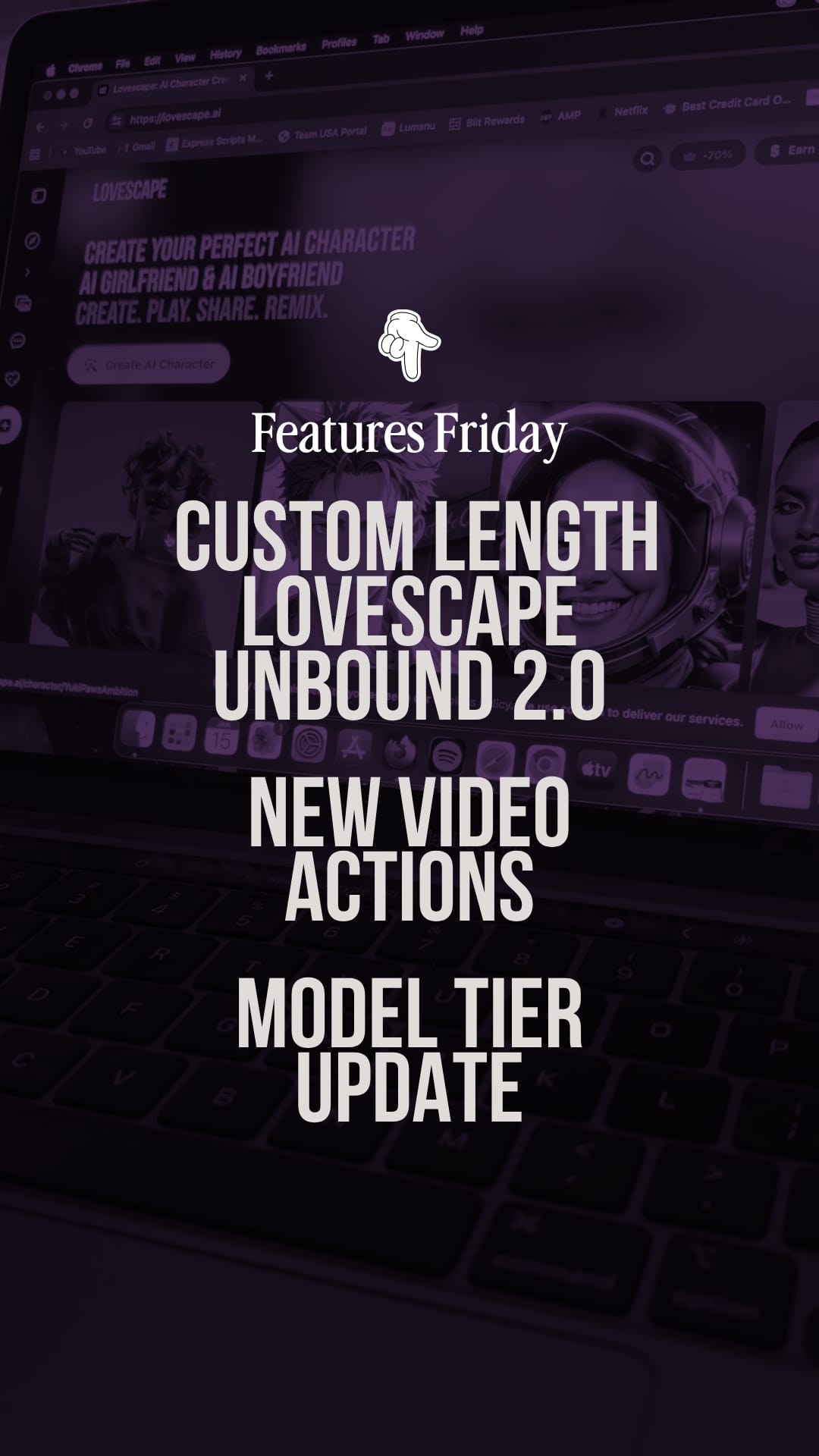
Happy Friday! This week's update is all about one thing: control.
We've heard your feedback. You wanted more say over how your stories unfold. You wanted faster access to creation tools. You wanted AI models that match exactly what you're trying to build.
So we're giving you all of that, and making the platform quicker in the process.
Introducing the Power & Precision Update: custom video lengths, a new library of video actions, tiered AI models, and a floating Create widget that gets you from idea to execution faster than ever.
Let's walk through everything that's now live.
Custom Length for Lovescape Unbound 2.0
This is the one you've been asking for.
The problem: Lovescape Unbound 2.0 generates incredible video content, but until now, you couldn't control how long that content runs. Sometimes you want a quick moment. Sometimes you want an extended scene. The system decided—not you.
The fix: You now have full control over video duration.
Head into Advanced Settings and toggle your preferred length. Want a shorter, punchy clip? Set it low. Want longer, more developed scenes with proper narrative pacing? Set it higher.
Why it matters:
- Better pacing — Match the video length to the story beat. A quick reaction shot doesn't need 30 seconds. A meaningful conversation does.
- More efficient chip usage — Shorter videos cost fewer chips. Now you can choose exactly what you need.
- Creative flexibility — Build a library of varied content—short clips for quick moments, longer pieces for story highlights.
How to use it:
- Open Lovescape Unbound 2.0
- Navigate to Advanced Settings
- Find the Duration toggle
- Select your preferred length
- Generate and enjoy
New Video Actions Library
Your characters just got more expressive.
We've expanded the video generator with a new library of actions. These aren't generic animations—they're specific, fluid movements designed to make your characters feel more alive and responsive.
What's new:
- More expressive gestures — Characters can now perform a wider range of physical actions, from subtle movements to dramatic beats
- Improved realism — Actions flow more naturally, with better weight and timing
- Greater specificity — Instead of generic "movement," you can indicate exactly what you want your character to do
Why it matters:
Video generation has always been about one thing: making static characters feel dynamic. But dynamic doesn't mean much if every movement looks the same. The new action library means your videos can capture subtle emotional beats—a tilt of the head, a shift in posture, a specific hand gesture—that make the difference between "okay" and "actually feels alive."
How to use it:
When generating video content, you'll see updated action options in the creation interface. Browse the library, select your action, and watch your character come to life with more nuanced movement than before.
Model Tier Update: Lite & Premium
Not all conversations need the same engine. Some users want speed. Some users want depth. Now you can choose.
We've restructured our AI models into two clear tiers:
Lite Models — Speed for Everyone
Optimized for:
- Fast response times
- Casual conversations
- Quick interactions
- Available to all users
Best for:
- Everyday chat
- Quick roleplay moments
- Users who prioritize speed over complexity
Lite models are about efficiency. They're snappy, responsive, and available across the board—whether you're on free or premium.
Premium Models — Depth for Long-Term Characters
Optimized for:
- Deeper complexity
- Higher consistency
- Long-term character development
- Nuanced personality retention
Best for:
- Serious character builders
- Extended roleplay sessions
- Users who want their character to remember and evolve
- When you're investing in a long-term companion
Premium models are about investment. If you've spent time crafting a detailed backstory and personality, Premium preserves that complexity across conversations. The consistency is noticeably higher—your character stays in character, session after session.
How to choose:
Use Lite when you want quick back-and-forth, casual interaction, or you're just starting out.
Use Premium when you've built a character you care about, when you're in a deep roleplay session, or when you want every response to feel coherent with what came before.
The "Create" Widget — Your New Shortcut
This one's about removing friction.
We've added a floating Create widget—a small button that hovers on your screen wherever you are on the platform. Click it, and a pop-up gives you instant access to creation tools.
What it does:
- Start creating from any page — No more navigating back to a specific screen. See something inspiring? Hit Create.
- Stay in your current context — Draft a character without leaving your chat. Start a video without closing your feed.
- Lower barrier to entry — New users can create their first character in seconds, not minutes.
Why it matters:
The best creative moments don't wait. You see something that sparks an idea, and you want to act on it immediately. The old workflow made you pause—navigate to the right page, find the right button, start over. The new widget keeps you in flow.
How to use it:
Look for the floating "Create" button in the bottom corner of your screen (position may vary depending on your device). Tap it anytime you're ready to generate something new. A pop-up will give you quick access to:
- Character creation
- Image generation
- Video creation
- And more
No context switching. No losing your place. Just create.
How to Access the Updates
Everything described above is live now.
- Custom video length: Open Lovescape Unbound 2.0 → Advanced Settings → Duration toggle
- New video actions: Available in the video generation interface—browse the updated action library
- Lite & Premium models: Select your preferred tier when starting or continuing conversations
- Create widget: Look for the floating button on your screen
Why These Updates Matter
We could have added more features. We chose not to.
These updates are focused on precision and control—giving you exact tools to do exactly what you want, faster. Custom video length means you stop wasting chips on unnecessarily long content. New video actions mean your characters move with intention. Tiered models mean you get the right depth for the right moment. The Create widget means you stop losing momentum.
Small improvements. Big impact on your daily experience.