


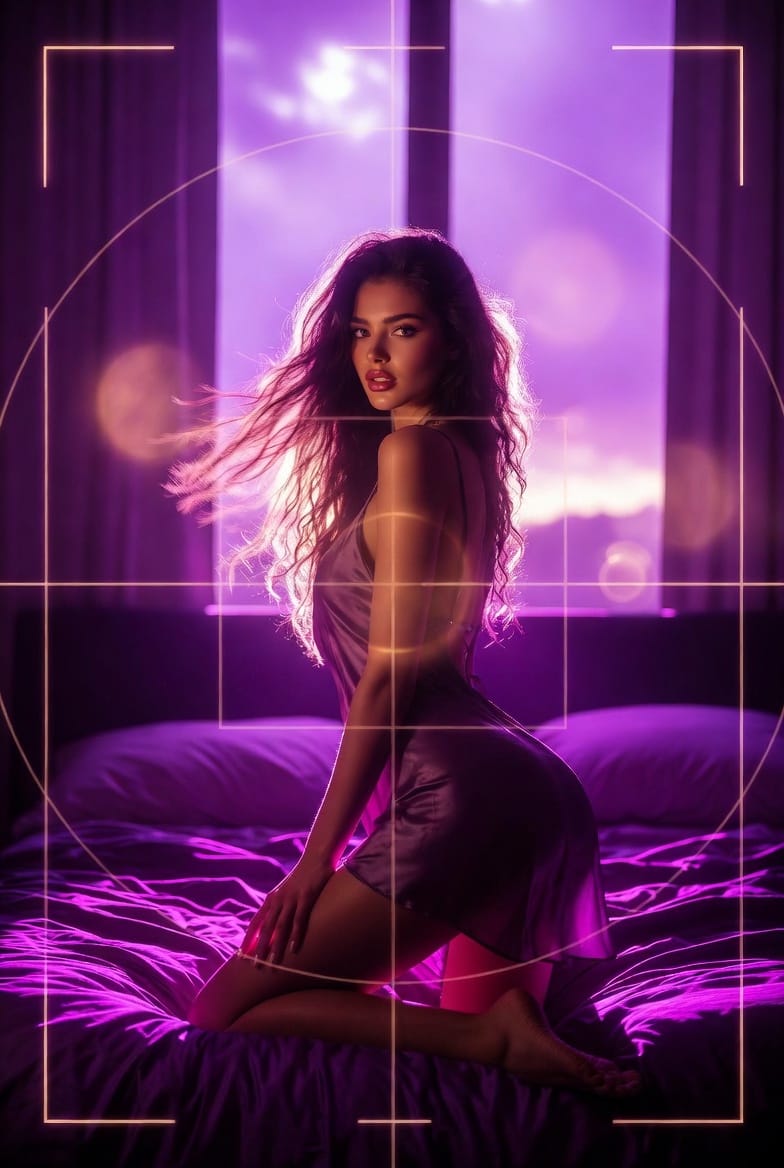
The quality of connection isn’t just about what you show, but how you show it. On Lovescape, you’re not just chatting with an AI girlfriend or AI boyfriend, you’re directing the entire experience, from emotion to framing. This week’s Discord Flash Challenge turns you into a camera director: it’s all about using Extend Video to create a dramatic zoom in or zoom out for the final six seconds of your clip.
Welcome to THE PERSPECTIVE SHIFT.
What Is “The Perspective Shift” Challenge?
The Perspective Shift is a fast, high‑impact community challenge built around Lovescape’s Extend Video feature. Instead of using Extend just to make clips longer, you’ll use it to change the story with the camera in the last half of a 12‑second video.
You start with a 6‑second base video on Lovescape—your AI companion, your scene, your vibe. Then you extend it for another 6 seconds and use the prompt to create either:
- A Zoom In: moving closer into the character’s face and expression
- A Zoom Out: pulling back to reveal the wider environment or twist
The result should feel like a deliberate, cinematic camera move: the first 6 seconds set the scene, the last 6 seconds shift perspective and change how we feel about it.
Theme: Zoom & Focus
This challenge has one clear theme: ZOOM & FOCUS.
You have two ways to play:
Option 1: Zoom In – Into the Moment
Start with a wide or medium shot of your AI girlfriend or AI boyfriend. Use the Extend prompt to push the camera inward during the final six seconds:
- Begin: Full body, half‑body, or a relaxed medium shot
- End: Tight on the eyes, lips, or a subtle smirk
- Goal: Make the zoom in feel like the moment where tension peaks—desire, danger, warmth, or mischief
Think of it as turning a casual interaction into a close, intimate beat. The story goes from “here’s the scene” to “here’s exactly how they feel about you.”
Option 2: Zoom Out – Reveal the Bigger Picture
Start close and personal, then use the extension to pull back.
- Begin: A close‑up on a face, body detail, or suggestive pose
- End: A wider shot that reveals the room, the setting, or a surprising context
- Goal: Use the zoom out to add context or twist—maybe she’s not alone, maybe the environment is not what we expected, or maybe the fantasy is bigger than we thought
Where a zoom in tightens emotion, a zoom out changes the stakes. It’s your chance to say, “There’s more going on here than you saw at first glance.”
How Extend Video Works for This Challenge
Lovescape’s Extend Video feature adds a second 6‑second block of AI‑generated visuals on top of your original 6‑second clip. The original audio from the first 6 seconds is preserved, but the extended portion is visual‑only—no new audio is generated for the extra time.
In practice:
- Seconds 0–6:
- Video + your original audio (for example, your character saying “hello”)
- Seconds 6–12 (extended):
- New video frames that follow your zoom prompt
- No additional audio – the extension doesn’t add new sound
If you extend again, you add more silent visuals after that original audio. You’re directing a visual camera move in the second half, while your initial sound stays intact.
How to Enter The Perspective Shift Contest
- Generate a 6‑Second Video on Lovescape
- Go to Lovescape.com and create or select your AI character.
- Generate a 6‑second base clip featuring your AI girlfriend, boyfriend, or custom character.
- Hit “Extend” and Direct the Camera
- Use the Extend Video feature on that clip.
- In the prompt, clearly specify either a Zoom In or Zoom Out effect for the final 6 seconds (e.g., “smooth zoom in on her eyes” or “gradual zoom out to reveal a neon city skyline”).
- Share Your 12‑Second Clip to the Feed
- Publish your finished 12‑second video on the Lovescape Feed.
- This step is mandatory—if it’s not on the Feed, it’s not in the contest.
- Submit It in Discord – THE PERSPECTIVE SHIFT Channel
- Copy the Feed link or the video.
- Post it in the “THE PERSPECTIVE SHIFT 🎥” channel on Discord so the team and community can see, react, and judge.
Only entries that are both on the Feed and posted in the contest channel will be considered.
Prizes: Chips for the Best Camera Work
- 1st Place: 3500 Chips
- 2nd Place: 2500 Chips
- 3rd Place: 1500 Chips
Chips can be used on Lovescape to generate more images, videos, and voices with your AI girlfriend or AI boyfriend, letting you push your creativity even further.
The challenge runs until January 30th, and Lovescape is in full non‑stop contest mode, expect more creative bounties like this coming fast.
Tips to Stand Out: Think Like a Director
- Plan the before and after: Decide what changes between second 0 and second 12—emotion for zoom in, context for zoom out.
- Match character and camera: Use expressive faces for zoom in, rich environments or props for zoom out.
- Leverage voice/overvoice: Add a strong line or reaction in the first 6 seconds, then let the camera move finish the story.
- Make the last frame iconic: End on a powerful close‑up or a clean, revealing wide shot.
The Community Spotlight rubric exists to highlight what the Lovescape community is creating and how they’re pushing the tools. This challenge does exactly that: it turns everyday users into directors, and everyday clips into mini‑stories.